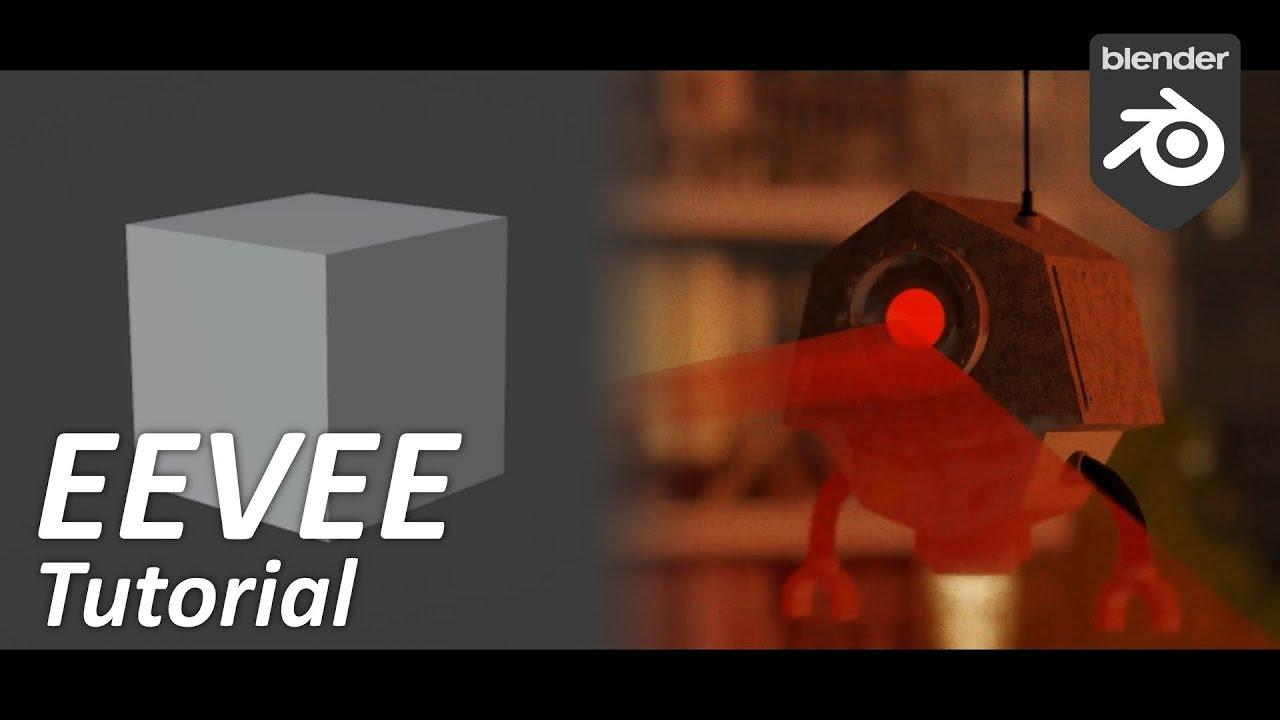
In this tutorial on the Baeac channel, you will learn how to create stunning post-apocalyptic animations using Blender’s EEVEE render engine. The video guides you through essential techniques to bring your dystopian visions to life, ensuring high-quality and efficient workflow.
Key Techniques Covered:
- Setting up a post-apocalyptic scene in Blender
- Utilizing EEVEE’s rendering capabilities for realistic lighting and textures
- Incorporating free and paid add-ons like Camera Shakify and Botaniq for enhanced effects- Adjusting atmospheric conditions with the Physical Starlight and Atmosphere add-on
- Tips and tricks for optimizing animation workflow in Blender