Video Description
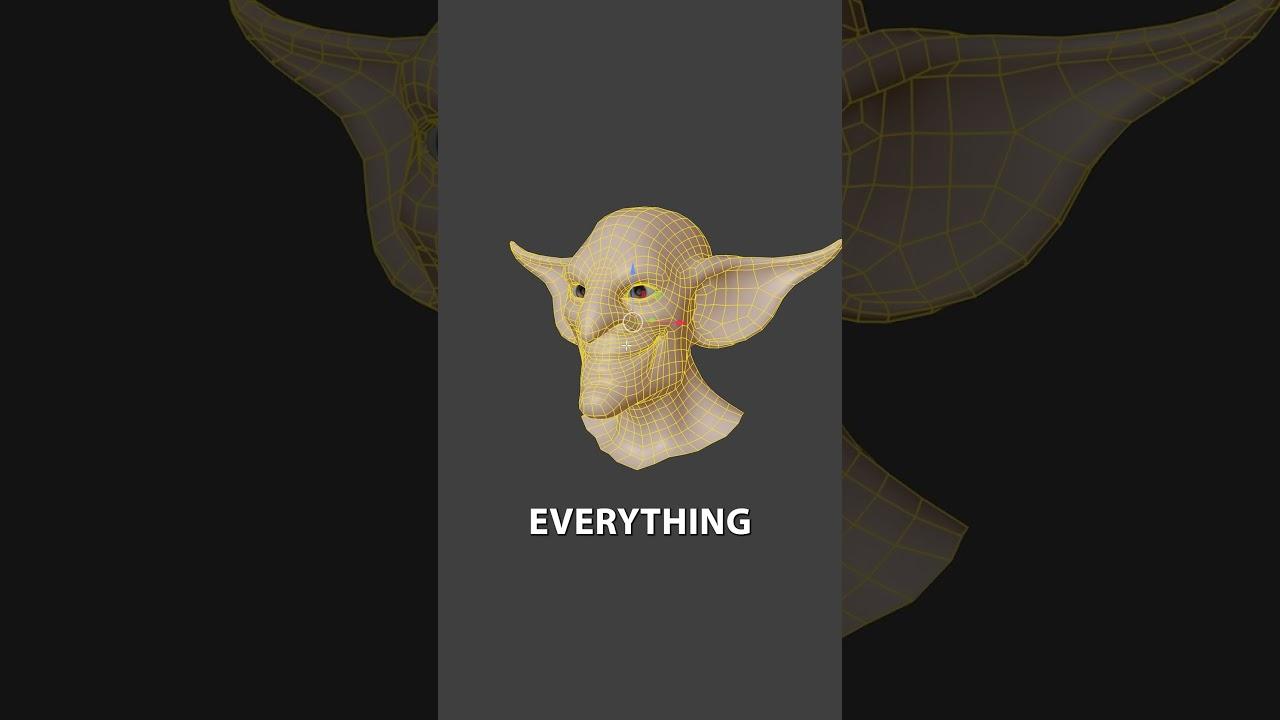
Discover how to fix broken symmetry in Blender with this practical tip from CG Boost, presented by Jim Morren. This quick tutorial will enhance your modeling skills by teaching you how to restore symmetry to your objects efficiently.
Identifying the Problem
- Recognize when symmetry is broken, such as when vertex painting or editing geometry doesn’t mirror correctly.
Fixing Broken Symmetry
- Select the entire object.
- Use the ‘Snap to Symmetry’ feature under the Mesh menu.
- Adjust the mirroring direction and snapping threshold as needed.
By following these steps, you’ll ensure your models maintain perfect symmetry, making your workflow smoother. For more tips, visit the CG Boost YouTube channel.
(This summary was generated using AI)
A cool tip on how to adjust broken symmetry inside Blender.
- Price type: Free
- Price: Free