Video Description:
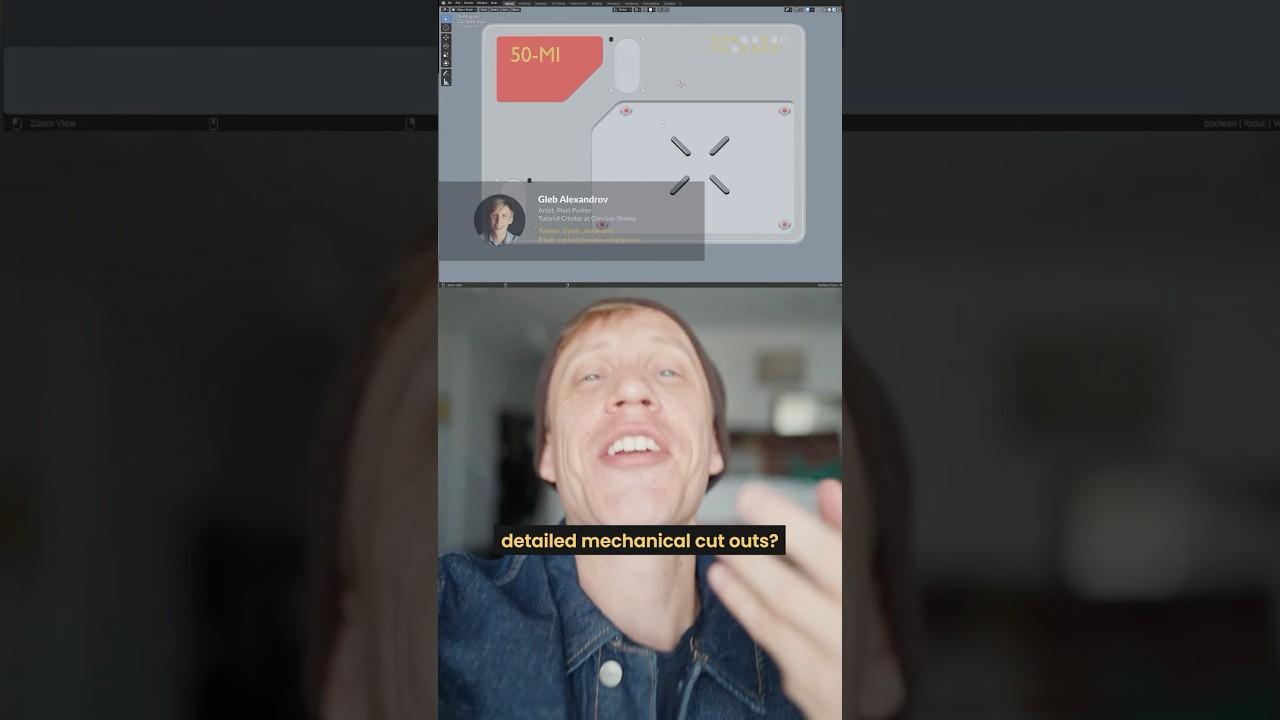
Learn how to model detailed mechanical cutouts in Blender with Gleb Alexandrov. This tutorial walks you through creating intricate designs using geometry and projection techniques.
Key Steps:
-
Starting with a Plane:
-
Bevel the corners slightly.
-
Draw shapes using geometry.
-
Creating Shapes:
-
Design a circle with 64 edges.
-
Transform it into a capsule shape.
-
Projecting Shapes:
-
Project designs onto the underlying mesh.
-
Copy and arrange shapes as needed.
-
Adding Details:
-
Add circular holes and delete faces.
-
Use the knife project tool to integrate shapes into the main mesh.
-
Finalizing the Design:
-
Separate shapes or extrude and adjust geometry for depth.
-
Explore further design options to enhance the cutout look.
This method is part of the “50 Modeling Issues from Hell” video course, offering practical Blender modeling tips.
(This summary was generated using AI)
How do I model these detailed mechanical cutouts in Blender?
- Price type: Free
- Price: Free