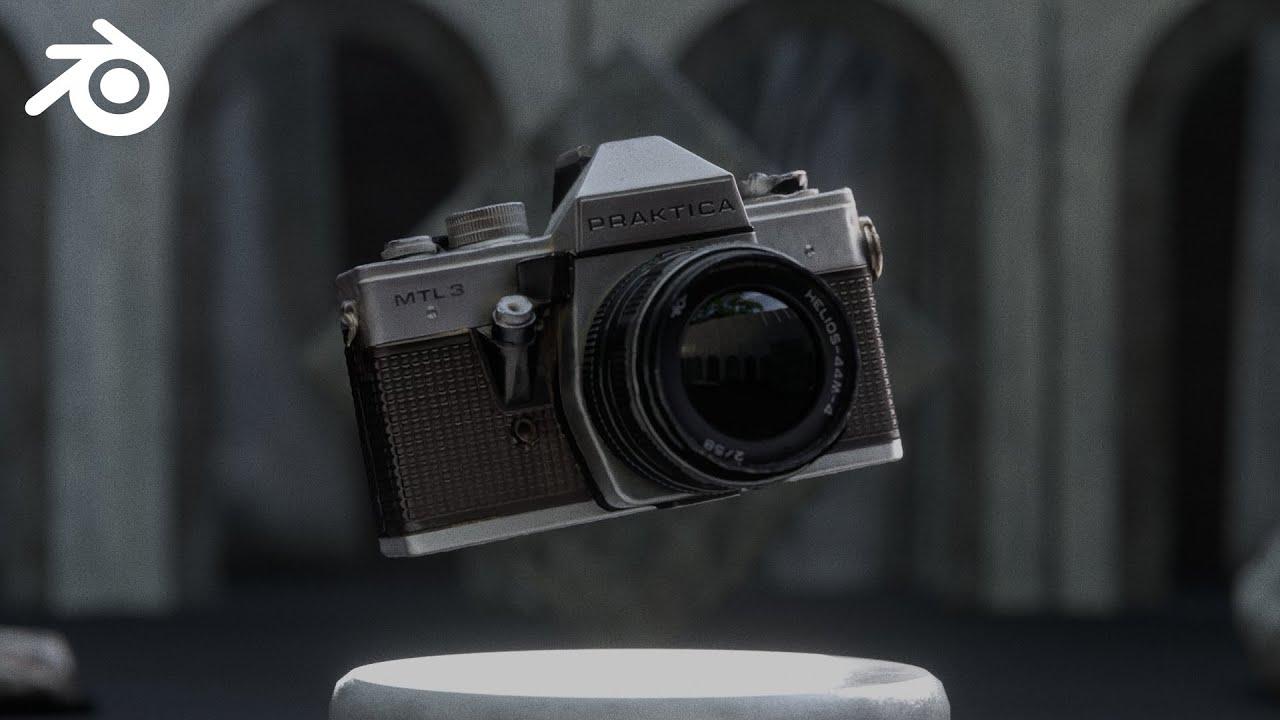
In this video, you will learn how to use the Render Arena add-on for Blender to streamline your product rendering process. The video is created by Blender Secrets and presented by Jan van den Hemel. This add-on simplifies the creation of high-quality renders with procedural setups, making it ideal for showcasing models on platforms like CGTrader.
Key Features of Render Arena
- Quick Setup: Easily set up backgrounds, cameras, and lighting.
- Procedural Control: Adjust settings like plinth style, HDRI environments, and shot sequences.
- Full Control Tab: Fine-tune every aspect, including camera angles, depth of field, and lighting intensity.
Steps Covered in the Video
- Installation:
- Download and install the add-on from Superhive.
- Enable the add-on in Blender preferences.
- Quick Setup:
- Access Render Arena in the N-panel.
- Set up backgrounds, cameras, and lighting with a few clicks.
- Create camera sequences and adjust styles.
- Rendering:
- Switch to Cycles render engine.
- View the rendered scene and adjust as needed.
- Advanced Control:
- Use the Full Control tab to fine-tune settings.
- Adjust camera angles, depth of field, and lighting.
- Explore compositing options and lens effects.
Conclusion
Render Arena is a powerful tool for creating professional renders quickly and efficiently. Whether you’re showcasing models on your portfolio or selling them online, this add-on offers a streamlined workflow that saves time and effort.
For more details, join the discussion on the Blender Secrets Discord.
(This summary was generated using AI)