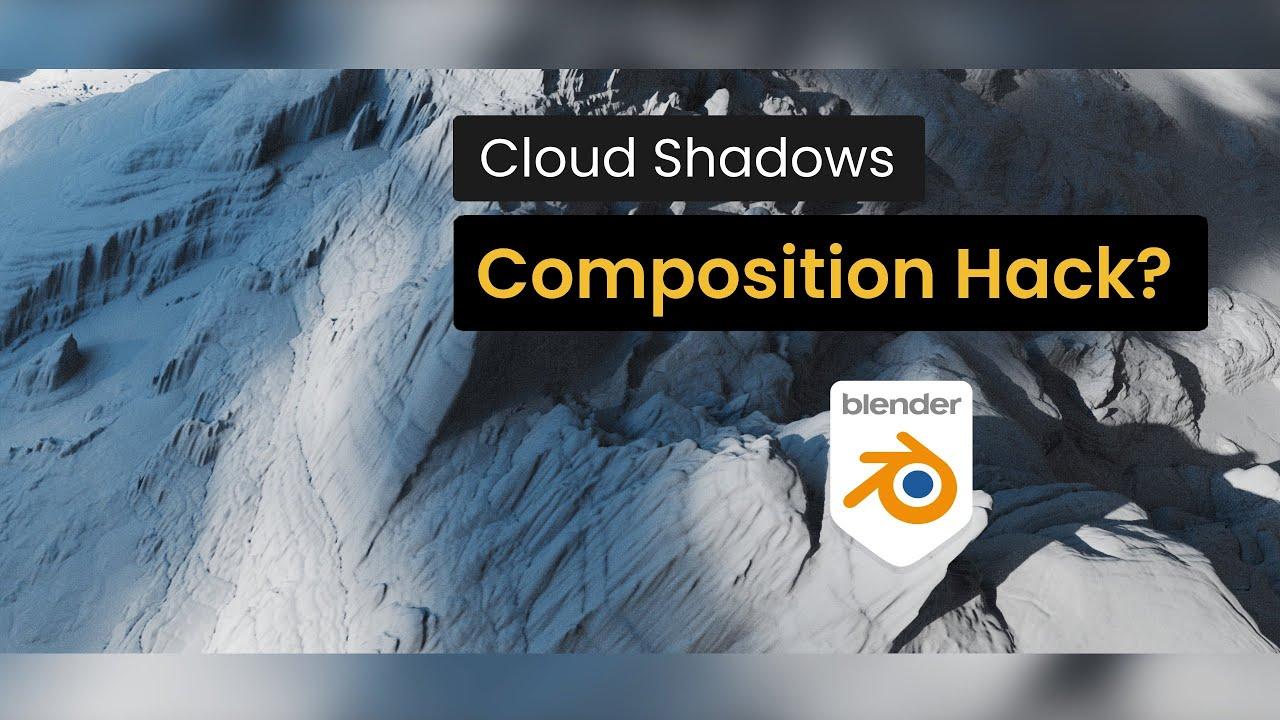
In this video by Creative Shrimp, Gleb Alexandrov demonstrates a quick and effective lighting technique in Blender to enhance composition using dynamic cloud shadows. This method helps guide the eye and create a more engaging visual journey.
Key Steps:
- Angle Your Key Light: Instead of flat lighting, angle your key light to bring out forms and make the composition more interesting.
- Add a Cloud Shadow Plane: Create a large plane with a transparent shader and noise texture to break up uniform sunlight, even animating it with 4D noise.
- Balance with a Soft Fill Light: Introduce a soft fill light to smooth harsh transitions and reduce visual tension.
- Go Volumetric: Replace the plane with a volume object for softer, more natural light scattering and motivated shadows.
This technique reshapes tonal values, adds compositional flow, and makes your scene more engaging.
Additional Resources:
- Realistic Terrain Library for Blender
- One Click Light Textures with Gobos Plus Add-on
- Reverse Key Lighting Tutorial
- Cinematic Lighting in Blender course
Timecodes:
- 00:00 – Start
- 00:23 – Light angle
- 01:10 – Cloud shadows
- 04:35 – Volume shadows
Follow Creative Shrimp:
(This summary was generated using AI)
Blender Lighting Quick Tip: Dynamic Cloud Shadows for Better Composition
- Price type: Free
- Price: Free