video_description
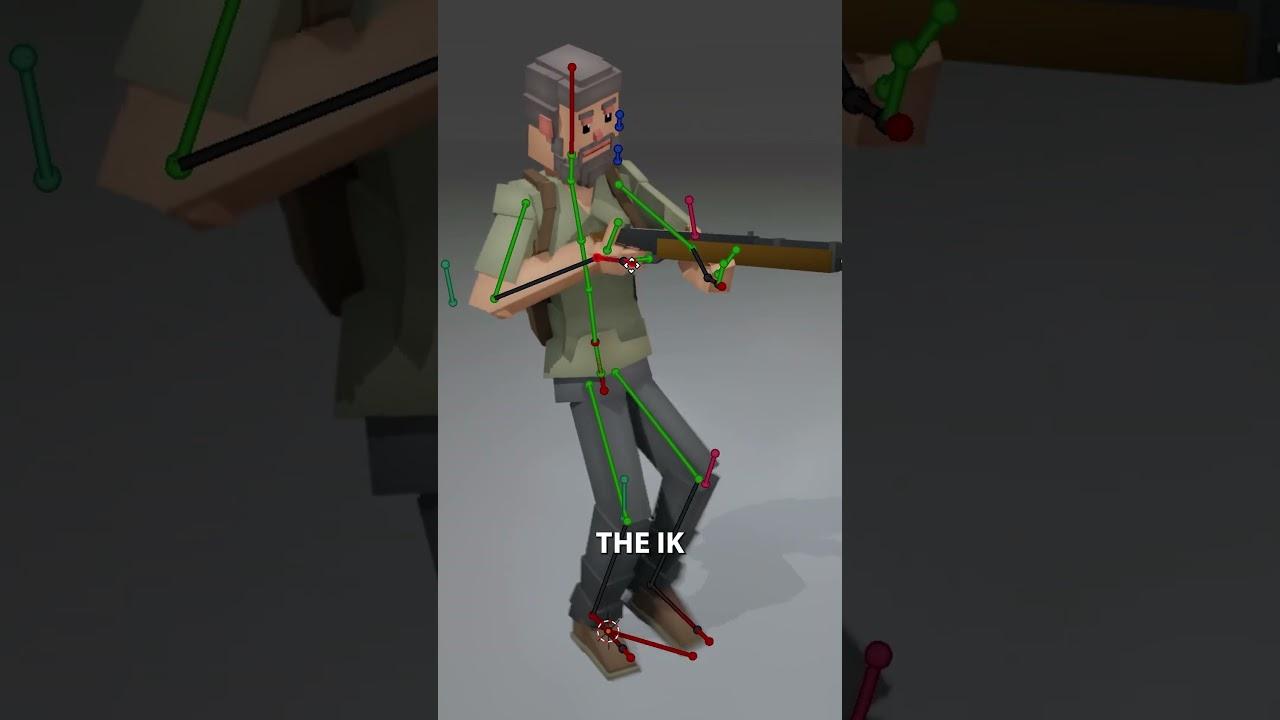
In this tutorial by CG Boost, Jim Morren demonstrates how to use the Child Of Constraint in Blender to make a character hold an object naturally.
Key Steps:
- Select the IK hand bone and add a Child Of Constraint.
- Set the object (e.g., a rifle) as the target and click Set Inverse to align the hand.
- Repeat for both hands to ensure the object moves with the character.
- Optionally, parent the object to the chest for added body sway.
- Adjust the Influence value to control the effect’s intensity.
This method simplifies animating interactions between characters and objects.
(This summary was generated using AI)