It seems there was an issue retrieving the correct channel or author name for “Blender Bros.” Let me proceed with the information available in the video details.
video_description:
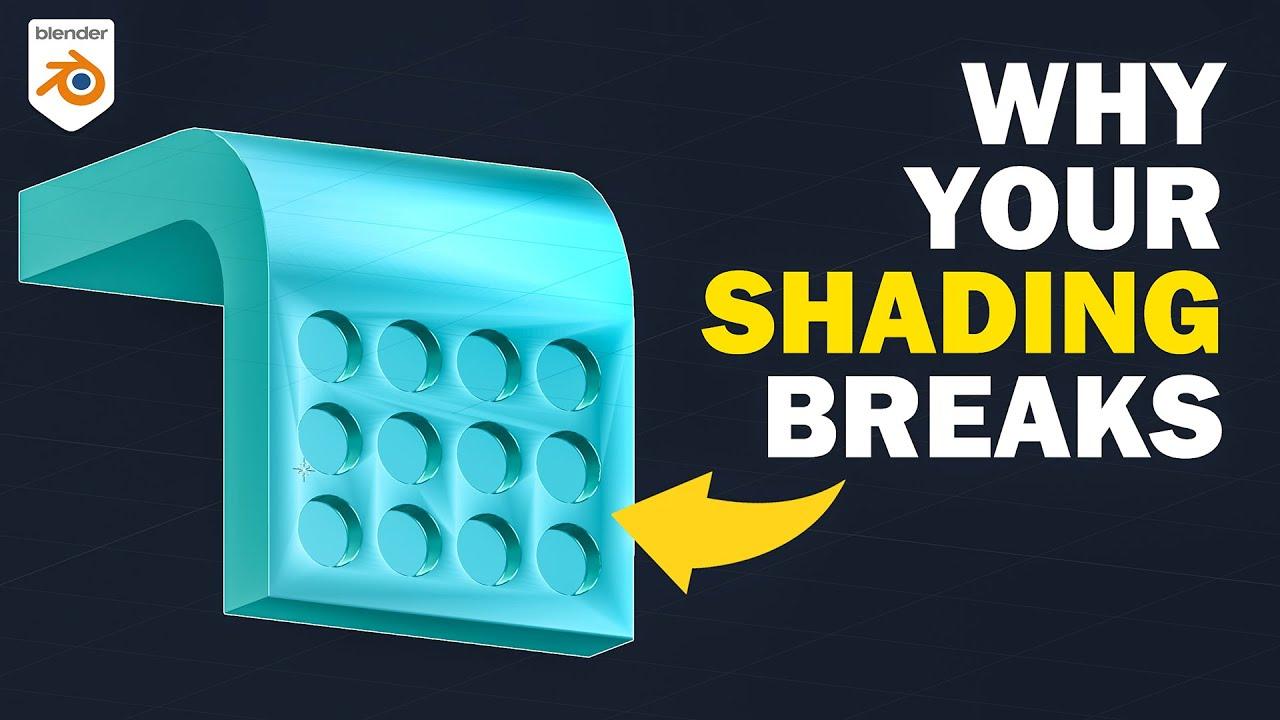
In this tutorial by Blender Bros, Josh explains why shading breaks in Blender and how to fix it. You’ll learn the technical reasons behind shading issues and practical solutions to achieve clean, distortion-free results.
Key Topics Covered:
- Understanding Normals: Learn how vertex and face normals affect shading and why they cause distortions.
- Common Causes: Discover why bevels, booleans, and other operations disrupt shading.
- Fixing Shading Issues:
- Use insets to create clean, flat shading.
- Apply Mark Sharp to edges for better control.
- Utilize Weighted Normal Modifiers for non-destructive fixes.
- Enable Hardened Normals in the Bevel Modifier for sharper edges.
By the end, you’ll know how to diagnose and resolve shading problems efficiently.
(This summary was generated using AI)