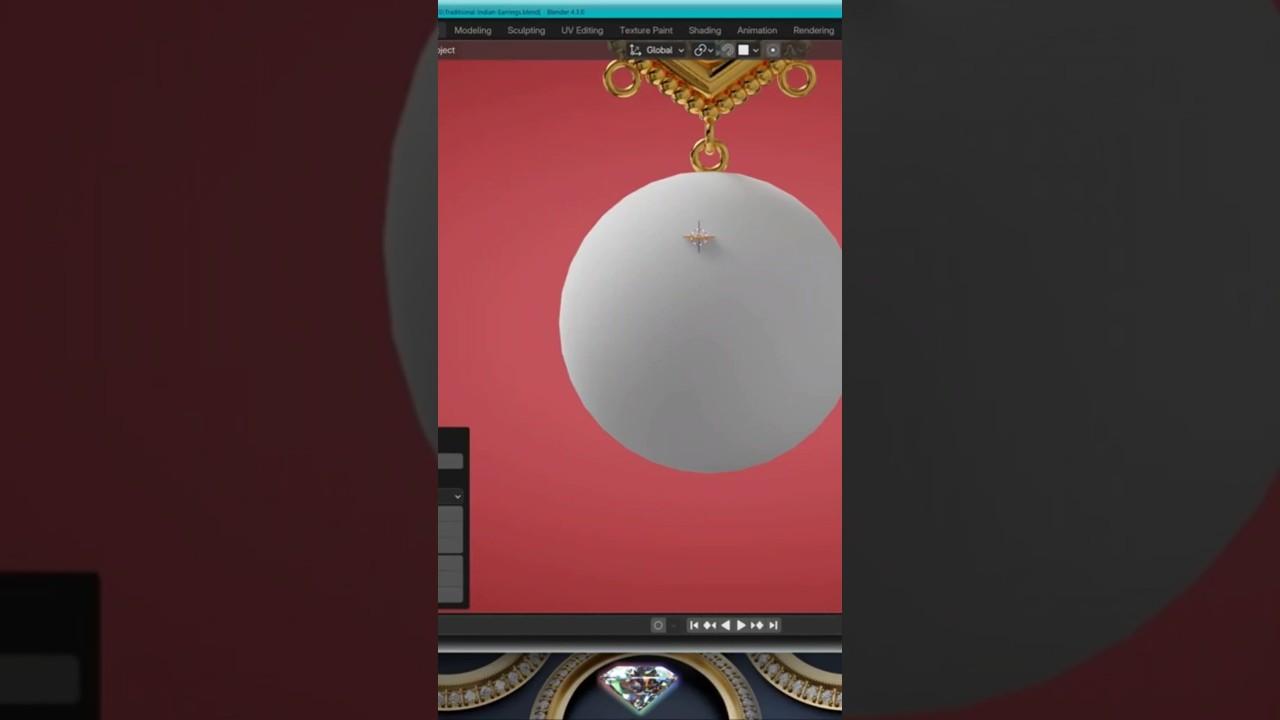
3D Jewelry modeling techniques Check the full tutorials #3djewelry #3djewelrydesigner #blender3d
Video Description
Discover essential 3D jewelry modeling techniques with ROHRBACH ® the Jewelry Jedi 3D Jewelry. In this tutorial, you’ll learn how to create intricate jewelry designs using Blender’s powerful tools.
Key Techniques Covered:
-
Material Application:
-
Apply a gold material to your model.
-
Mirror Modifier:
-
Use a mirror modifier on the X-axis based on the hoop.
-
Apply all transforms and enter edit mode.
-
Vertex Manipulation:
-
Erase all vertices and start a new pier shape.
-
Center the first vertex on the X-axis and align the 3D cursor.
-
Scaling and Extrusion:
-
Scale the shape without affecting the mirror.
-
Extrude and scale the shape as needed.
-
Shrink Wrap Modifier:
-
Add a shrink wrap modifier targeting a sphere.
-
Project on the Y-axis positive.
-
Solidify and Bevel Modifiers:
-
Add a solidify modifier with even thickness.
-
Apply a bevel modifier and a subdivision surface modifier at level three.
-
Troubleshooting:
-
Check the merge settings if the shape doesn’t close properly.
This tutorial provides a comprehensive guide to enhancing your jewelry modeling skills in Blender.
(This summary was generated using AI)
3D Jewelry modeling techniques Check the full tutorials #3djewelry #3djewelrydesigner #blender3d
- Price type: Free
- Price: Free