Video Description
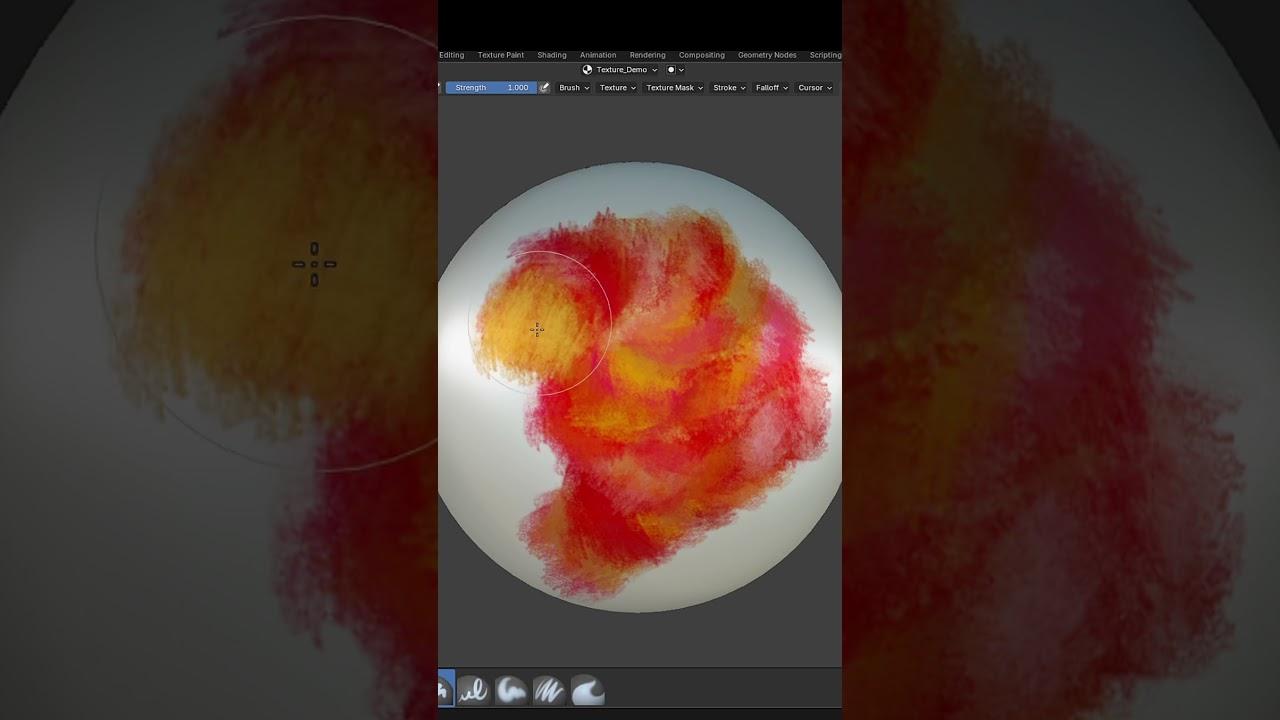
Discover how to use Blender 4.5’s new Randomize Color Brush setting with Farrukh 3D. This tutorial introduces you to a powerful feature for enhancing your digital painting workflow.
Key Steps:
-
Accessing the Setting:
-
Enable ‘Randomize Color’ in the brush menu or side panel.
-
Painting with Randomized Colors:
-
Set your desired color values.
-
Begin painting to see a mix of hue, saturation, and value.
-
Versatility:
-
This setting works for both texture and vertex painting.
-
Ideal for creating stylized textures.
Get Started:
- Download Blender 4.5 and try this feature today.
Explore this new tool and elevate your painting skills in Blender.
(This summary was generated using AI)