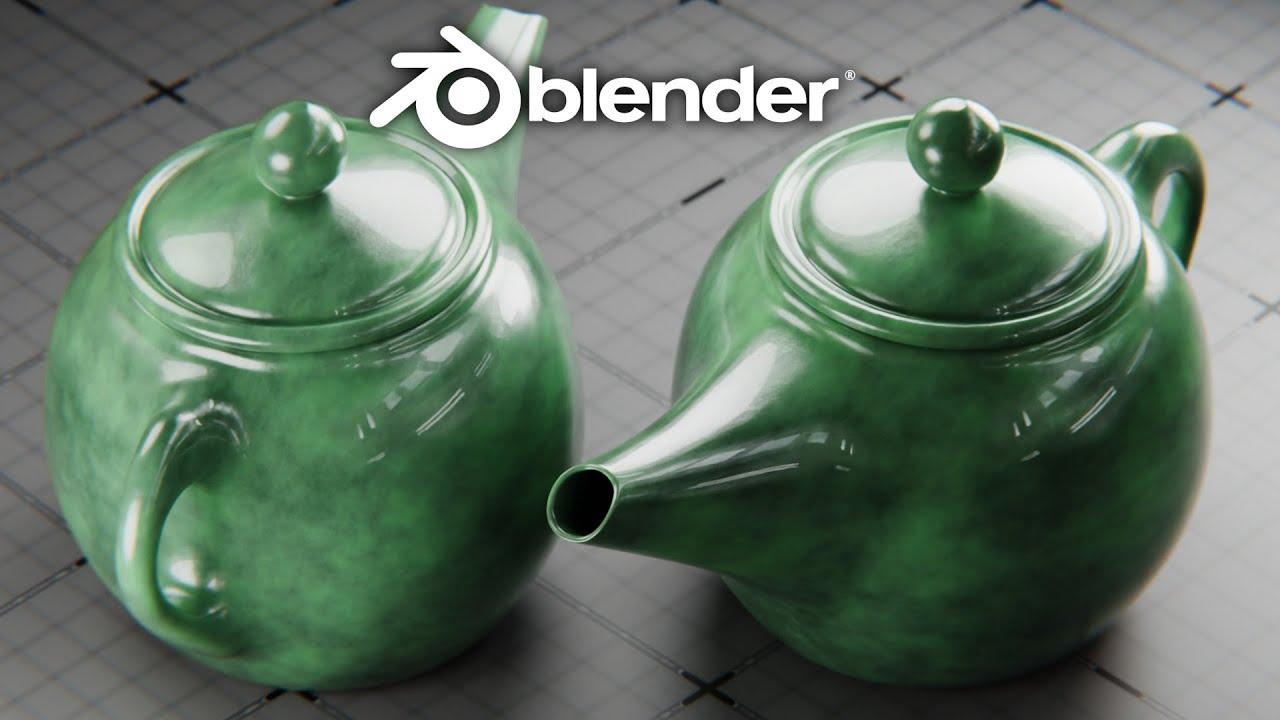
In this tutorial by Blender Secrets, Jan van den Hemel guides you through creating a Chinese teapot in Blender 4.4. You’ll learn essential modeling techniques, material creation, and lighting setup to achieve a realistic render.
Modeling the Teapot
- Start with a UV sphere and shape it into the teapot’s body.
- Extrude and scale the top vertices to form the teapot’s lid.
- Create the handle using extrusion and proportional editing for smooth curves.
- Model the spout by extruding and rotating selected faces.
Materials and Textures
- Apply a base color and adjust roughness for a ceramic look.
- Use a noise texture with a color ramp to add color variation.
- Enhance realism with a bump map for subtle surface details.
Lighting and Rendering
- Set up area lights to illuminate the scene effectively.
- Adjust camera settings for a focused render.
- Enable Cycles render engine with GPU acceleration for efficient rendering.
By the end of this tutorial, you’ll have a beautifully crafted Chinese teapot, ready to be rendered and showcased in your portfolio.
(This summary was generated using AI)