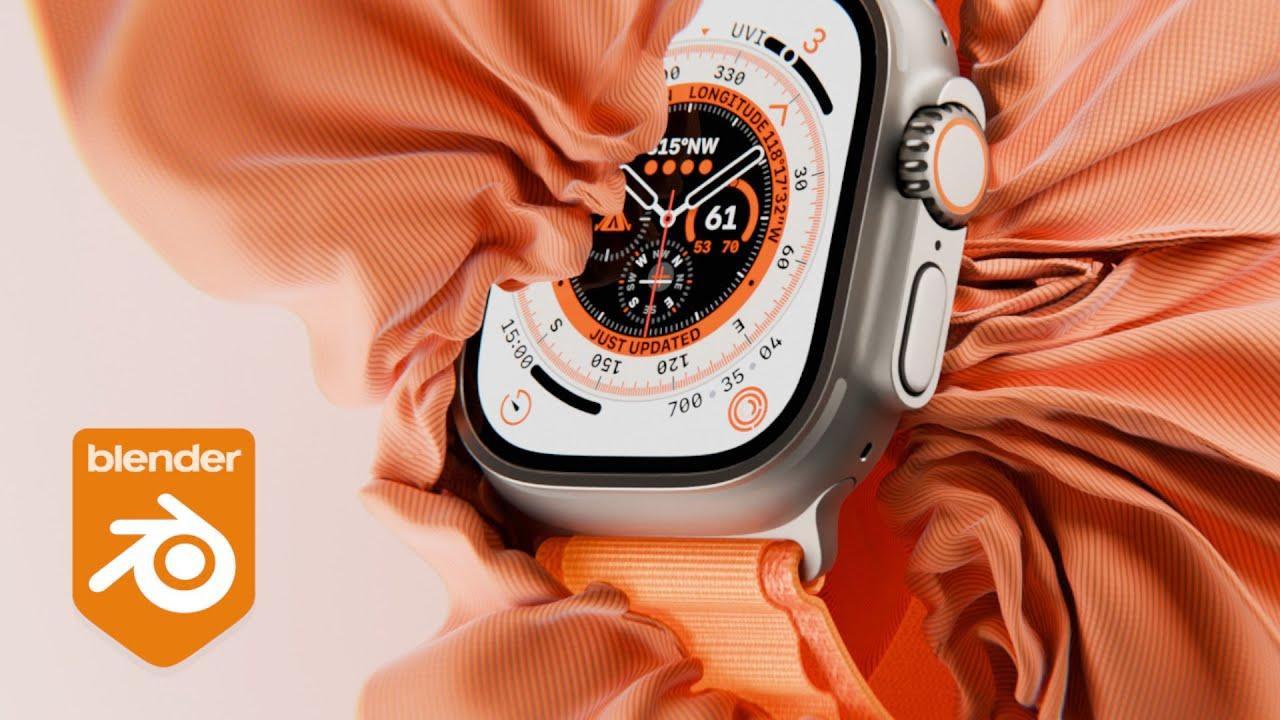
In this tutorial, you will learn how to create a luxury cloth wrap animation for products using Blender’s cloth simulation tools, guided by PIXXO 3D. This video will help you enhance your skills in cloth simulation, lighting, and material creation.
Key Steps:
-
Setup:
-
Create and scale a plane to serve as the cloth.
-
Append the Apple Smartwatch model provided by PIXXO.
-
Cloth Simulation:
-
Apply cloth physics to the plane.
-
Adjust settings for speed, stiffness, and damping.
-
Use a force field to control the cloth’s movement around the smartwatch.
-
Animation:
-
Set keyframes for the smartwatch’s movement.
-
Bake the cloth simulation to achieve the wrapping effect.
-
Materials and Lighting:
-
Create a silky, luxurious cloth material using wave textures and color ramps.
-
Set up area lights to enhance the scene’s realism.
-
Rendering:
-
Adjust camera settings for a dynamic shot.
-
Render the animation and compile it in post-production.
By following these steps, you’ll create a professional-looking product animation. For more resources, you can download the Apple Smartwatch 3D model and explore additional content on the PIXXO 3D Patreon.
(This summary was generated using AI)