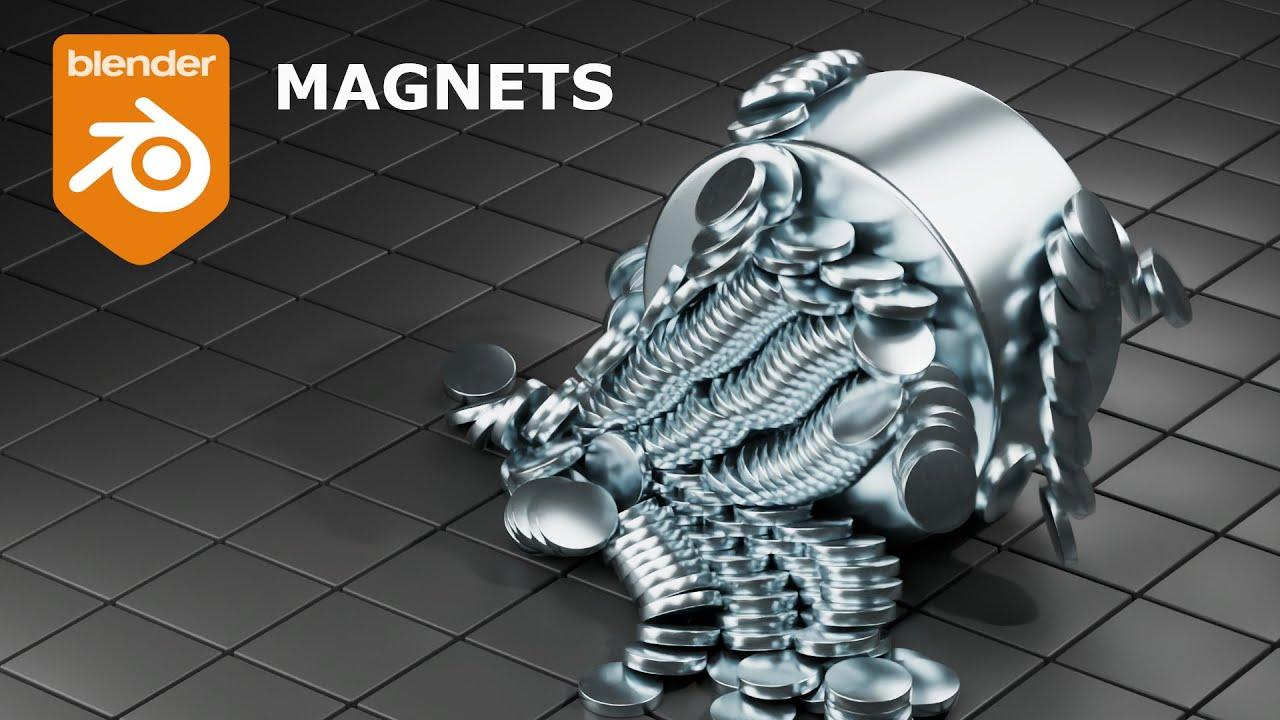
In this tutorial, you’ll learn how to create a simple magnet animation in Blender, guided by PIXXO 3D. This video, created by PIXXO, walks you through setting up a scene with magnets and animating them using forces.
Key Steps:
- Scene Setup: Start by deleting default objects and adding cylinders for the magnets.
- Magnet Creation: Create both small and large magnets, applying bevel and subdivision modifiers for detail.
- Floor Design: Add a plane, bevel the vertices, and use an array modifier to create a tiled floor.
- Physics Setup: Apply rigid body physics to the magnets and use a force field for attraction.
- Animation: Adjust the force field strength and position to achieve the desired magnet animation.
- Rendering: Set up the camera, lighting, and materials for a polished final render.
This tutorial is straightforward and fun, perfect for adding a touch of realism to your Blender animations.
(This summary was generated using AI)