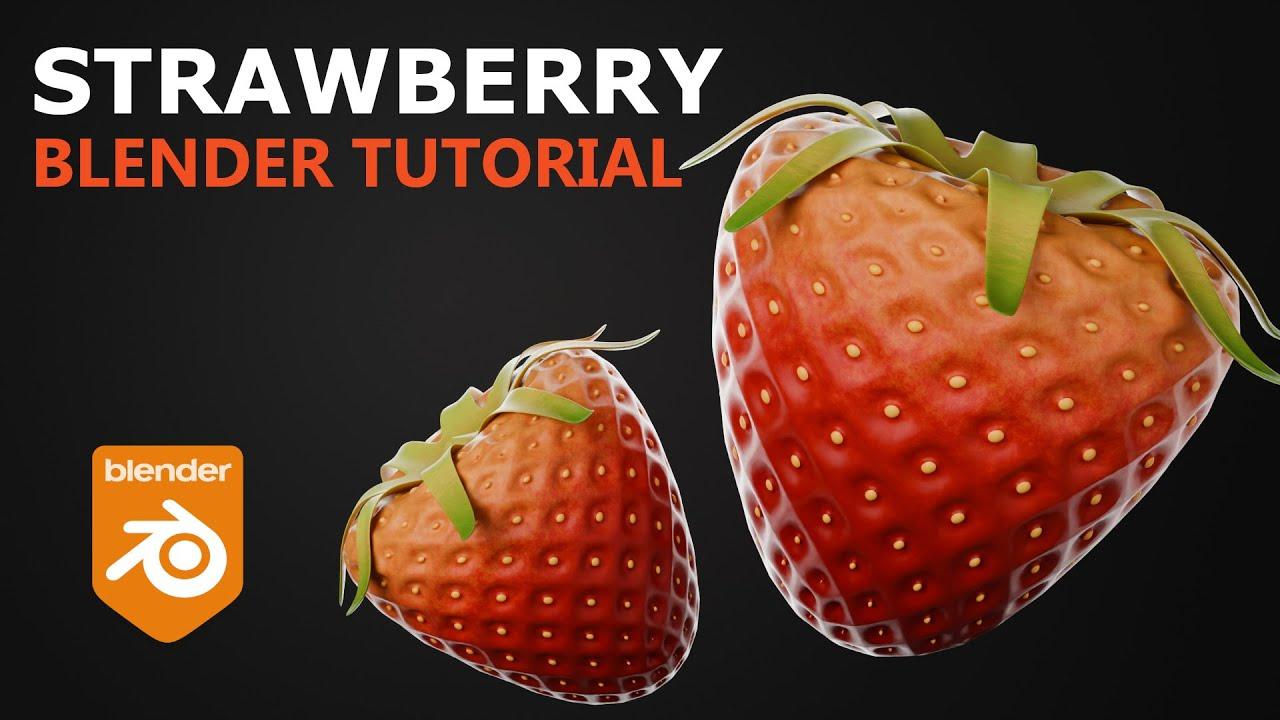
In this tutorial, you’ll learn how to create a stylized strawberry in Blender with PIXXO 3D. This step-by-step guide covers modeling, texturing, and rendering to achieve a CGI-style strawberry similar to those seen in animated films.
Modeling the Strawberry
- Start with a cube and apply a subdivision surface modifier.
- Shape the strawberry by scaling vertices and using proportional editing.
- Add a decimate modifier to simplify the mesh, then reapply subdivision for a smooth shape.
- Extrude and scale individual faces to create the strawberry’s texture.
- Model the strawberry’s top leaf using a circle mesh and extrusion techniques.
Materials and Textures
- Create materials for the berry, seeds, and leaf.
- Use noise and gradient textures to add color and detail to the strawberry.
- Apply a bump node for added texture and gloss.
Rendering the Scene
- Set up lighting with area lights for rim and front illumination.
- Add a background plane for better material visibility.
- Render the final image using Cycles with GPU acceleration.
By following these steps, you’ll enhance your Blender skills and create a vibrant, stylized strawberry.
(This summary was generated using AI)