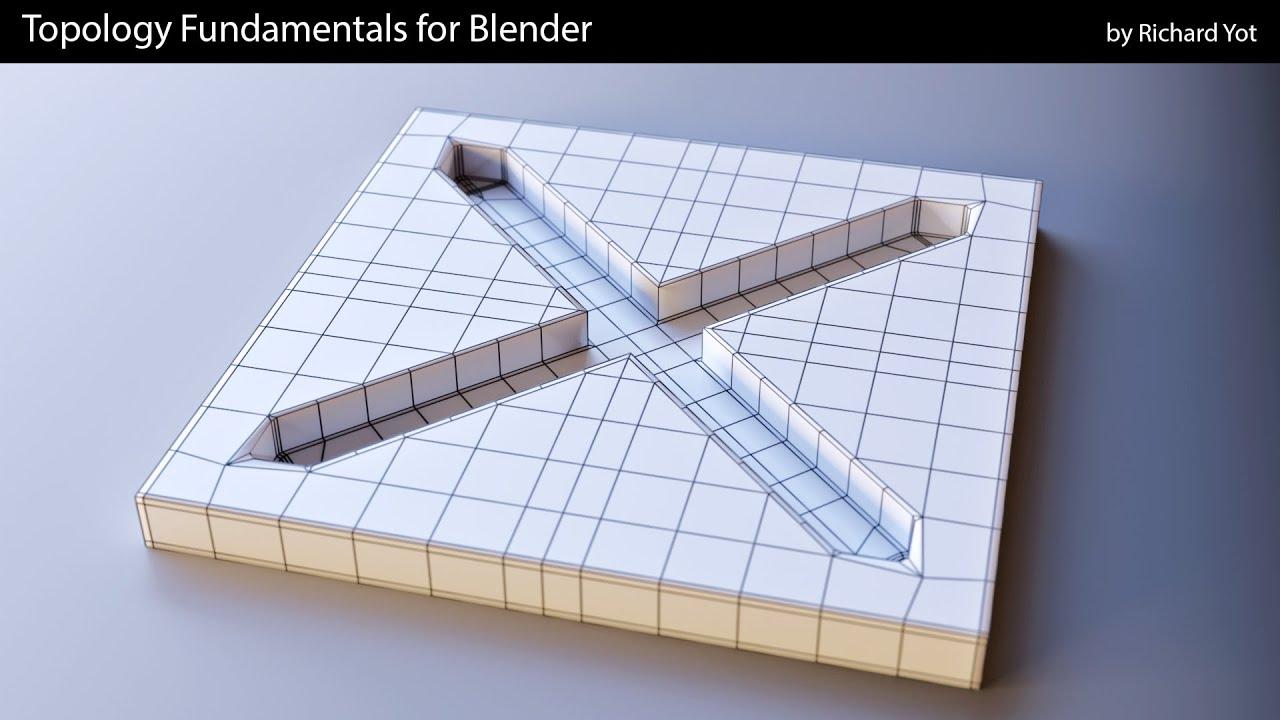
It seems the author of the video, Richard Yot, does not appear in the provided spreadsheet. I will proceed with the description using the author’s name as given.
video_description
In this quick tip, Richard Yot demonstrates how to create clean, precise holes in curved surfaces in Blender. The technique ensures smooth topology and avoids common issues like pinching or distortion.
Key Steps:
- Duplicate the object and hide the copy for later use.
- Insert faces in the desired hole area, delete them, and refine the boundary edges using Loop Tools to create a circular shape.
- Use the Shrink Wrap modifier to project the hole onto the original surface, ensuring a flawless result.
- Apply the modifier to finalize the hole.
A simple yet effective method for maintaining clean topology in curved surfaces.
(This summary was generated using AI)