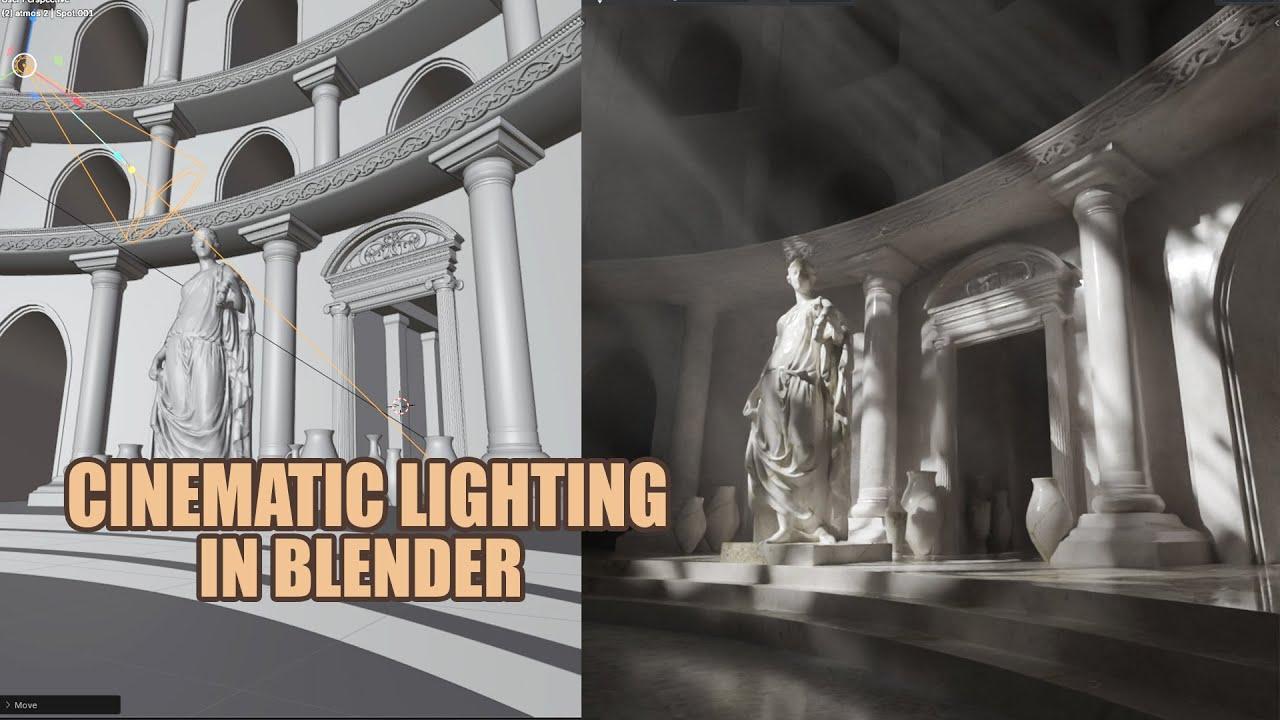
Video Description
In this tutorial by Blender Secrets, you’ll learn how to use volumetric lighting, fog, and god rays to create atmospheric renders in Blender. ChuckCG walks you through enhancing your scenes with these effects, and even provides a free scene for practice.
Key Steps:
-
Setup:
-
Use Cycles and adjust viewport samples.
-
Prepare the world settings for a dark scene.
-
Lighting:
-
Add and configure a spotlight.
-
Use nodes for emission textures.
-
Volumetric Effects:
-
Create god rays with a volume scatter material.
-
Adjust density and power for desired effect.
-
Animation:
-
Add textures and animate them with drivers.
-
Fine-tune spot size and radius for dynamic results.
Project files and free scene available for download.
(This summary was generated using AI)
Blender Volumetric Lighting – Fog & God Rays For a Cinematic Scene
- Price type: Free
- Price: Free
- Views: 339