Video Description
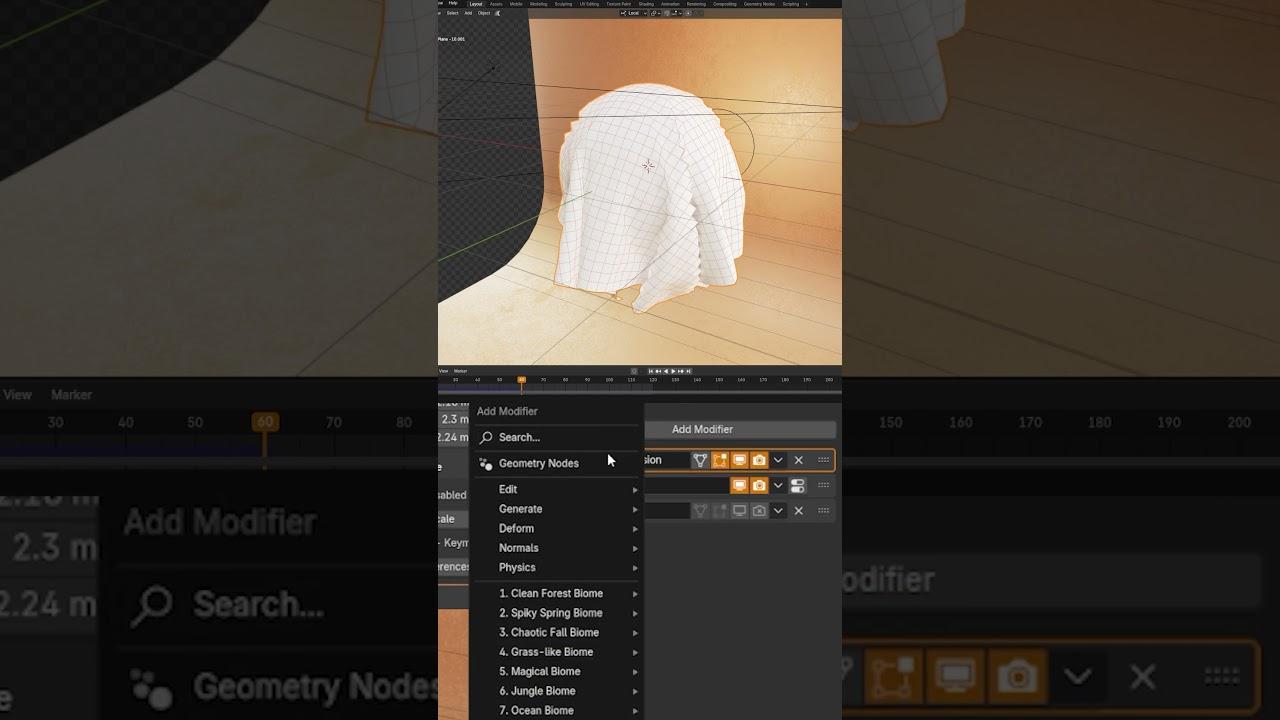
Discover how to enhance your cloth simulations in Blender with this insightful tutorial from Blender Secrets. Jan van den Hemel guides you through optimizing your topology for better results, even on lower-end computers.
Key Takeaways:
- Understanding Topology: Learn why topology matters more than settings in cloth simulations.
- Efficient Subdivision: Use subdivision surface modifiers to improve simulations without overloading your scene.
- Adding Thickness: Utilize the solidify modifier to add thickness to your cloth without extra calculations.
Steps Covered:
- Low Poly Optimization: Start with a low poly plane and add a subdivision surface modifier.
- Layering Modifiers: Stack multiple subdivision surfaces for smoother geometry without performance hits.
- Solidify Settings: Adjust the solidify modifier to avoid clipping and maintain even thickness.
Watch the full video for a comprehensive guide to mastering cloth simulations in Blender.
(This summary was generated using AI)