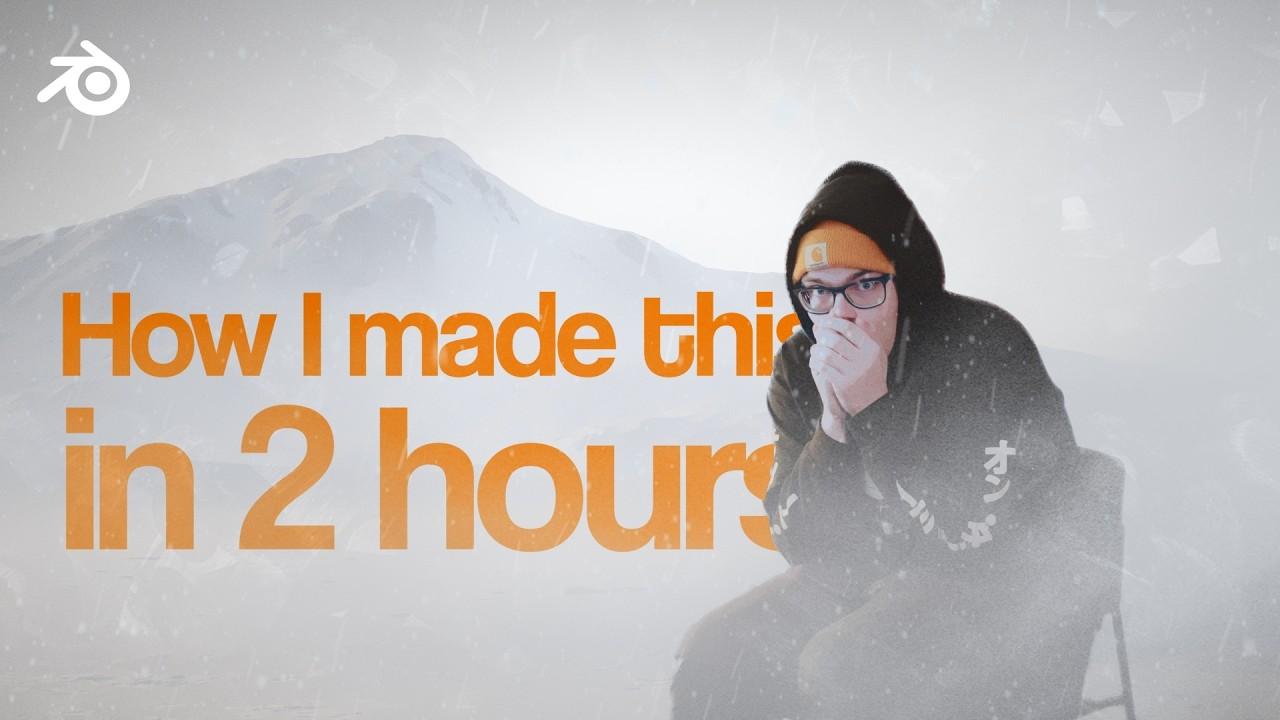
In this tutorial, you’ll learn how to create a snowy environment in Blender with baeac. The video covers essential techniques for building a snowy landscape, including terrain creation, material setup, and compositing.
Key Steps:
-
Terrain Creation:
-
Start with a plane and use displacement modifiers to shape the terrain.
-
Apply a height map for realistic mountainous features.
-
Material Setup:
-
Create a snow shader and blend it with a rock shader for varied textures.
-
Use procedural techniques to control snow distribution based on slope and exposure.
-
Character Integration:
-
Import and position a character model in the scene.
-
Adjust the character’s materials to blend with the snowy environment.
-
Environment Effects:
-
Add a snowstorm effect using volumetric scattering and noise textures.
-
Enhance the scene with custom fog textures for added depth.
-
Compositing:
-
Use mist passes to blend the mountains with the sky.
-
Add final touches like color grading, vignetting, and glow effects in compositing.
This tutorial provides a comprehensive guide to creating a realistic snowy environment in Blender.
(This summary was generated using AI)