It seems there was an issue retrieving the correct channel or author name. Since the video’s channel name is Polygon Runway, I’ll proceed with that for the description.
video_description:
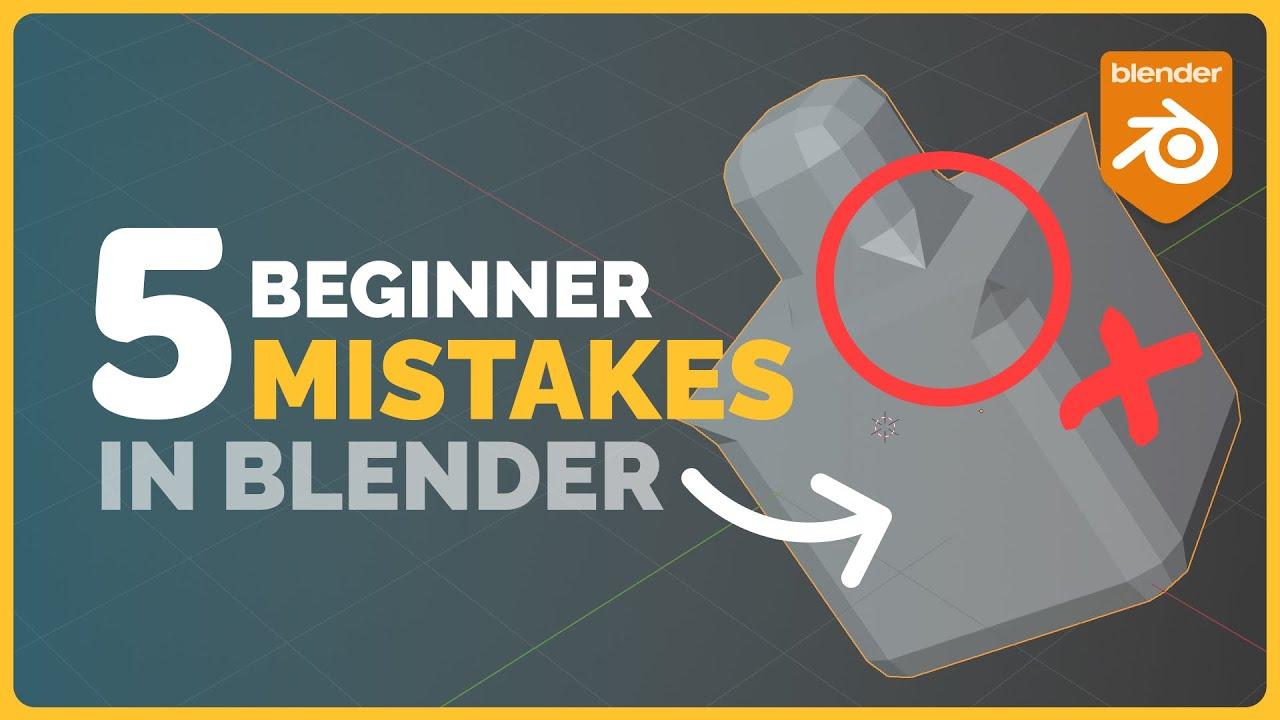
In this video, Polygon Runway breaks down the five most common beginner mistakes in Blender and how to fix them. Learn essential workflows to avoid pitfalls and streamline your 3D modeling process.
Key Topics Covered:
- Object Mode vs. Edit Mode: Understand the difference and why creating objects in Edit Mode can merge them unintentionally.
- Uneven Transformations: Learn how non-uniform scaling affects modifiers and how to apply transformations correctly.
- Double Geometry: Identify and fix overlapping vertices that cause unexpected behavior in modifiers.
- Normals: Discover how flipped normals impact shading, modifiers, and snapping, and how to recalculate them.
- Misplaced Origin Points: Fix issues caused by incorrect origin placement, especially when rotating or mirroring objects.
A must-watch for anyone looking to refine their Blender skills.
(This summary was generated using AI)