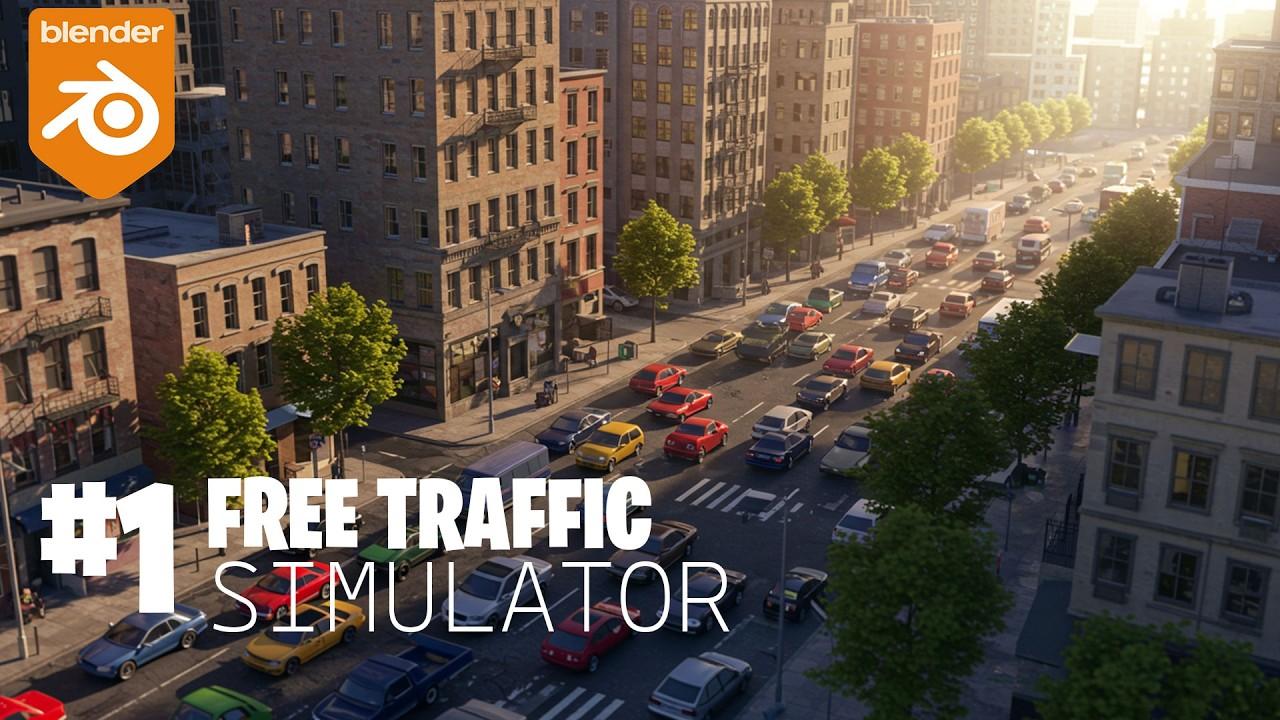
Video description:
Discover how to create a simple yet effective traffic simulation in Blender with this tutorial by Blender Secrets. Jan van den Hemel guides you through the process, demonstrating the tool’s compatibility with Blender 4.5 and its various features.
Key Features of the Traffic Simulator:
- Customizable Roads: Easily adjust the size, number of lanes, and vehicle speed.
- Procedural Generation: Built on a curve object, allowing for automatic vehicle path following.
- Lightweight Design: Create complex setups without compromising scene performance.
Steps to Get Started:
- Download the Tool: Available directly from the creator’s new website with no signups or email walls.
- Customize Your Simulation: Use the generic passenger car pack by Comrade 1280 or upload your own vehicles.
- Experiment and Share: Try different settings and share your projects with the community.
Engage with the tutorial, experiment with the settings, and share your creations. Don’t forget to subscribe and like the video to stay updated on future releases.
(This summary was generated using AI)