video_description:
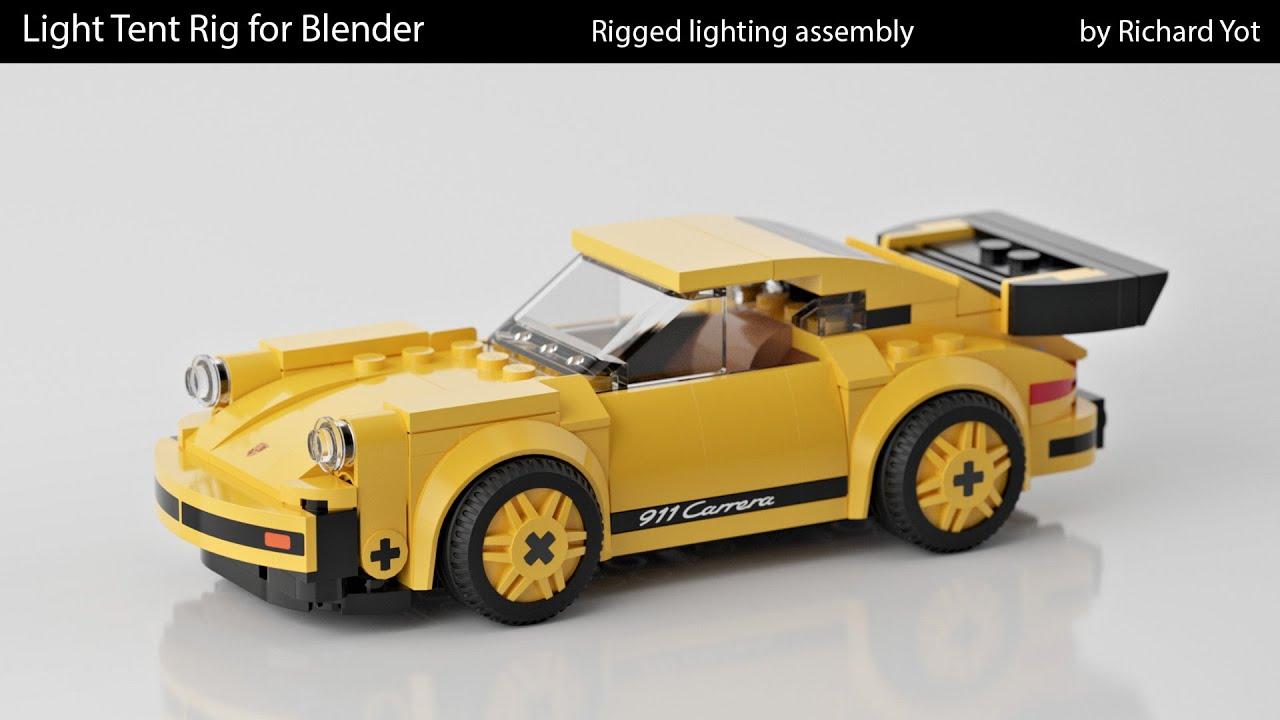
In this video, Richard Yot demonstrates how to quickly set up a free Light Tent rig for Blender to achieve high-key, low-contrast studio lighting in minutes.
What You’ll Learn:
- Setup: Replace default lighting by adding the Light Tent asset to your scene.
- Camera Control: Use the included camera and target for easy framing and depth-of-field adjustments.
- Lighting Tweaks: Adjust six directional light controls to fine-tune contrast and reflections.
- Final Touches: Modify floor glossiness, camera settings, and f-stop for a polished render.
The Light Tent rig is ideal for showcasing models with soft, professional lighting. Download it here.
(This summary was generated using AI)