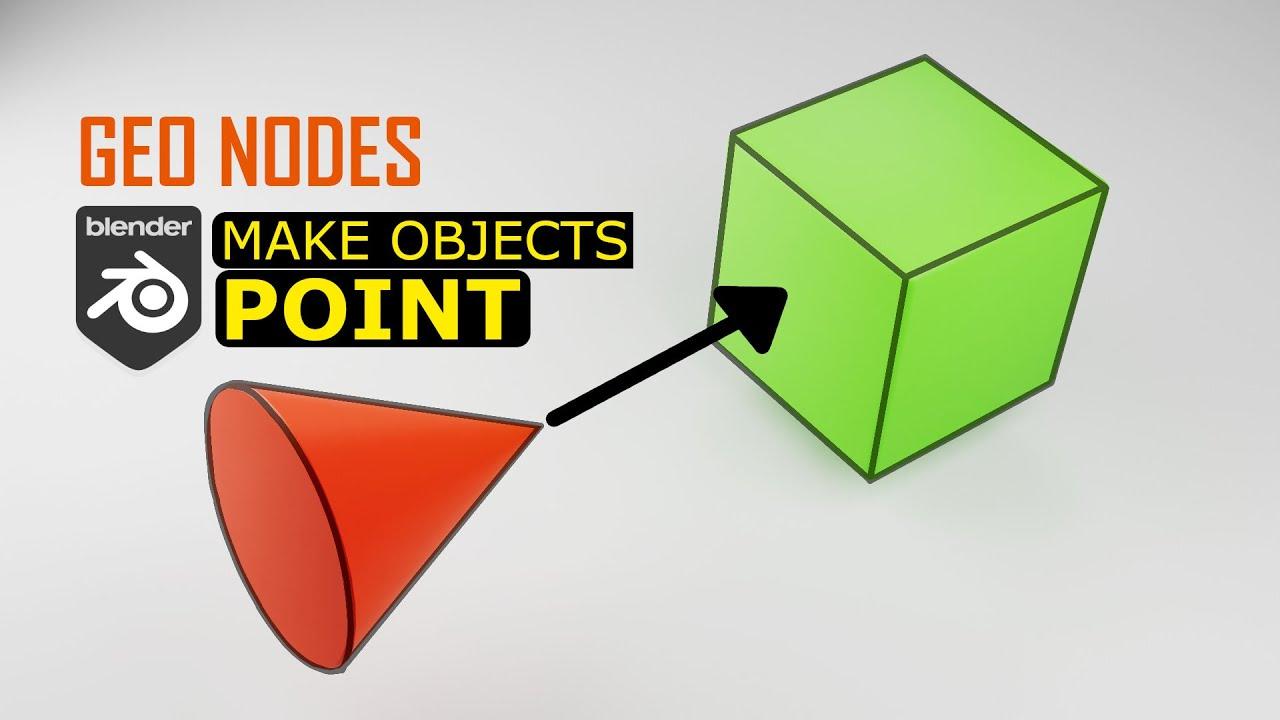
In this tutorial, PIXXO 3D introduces you to using Blender’s Geometry Nodes to make any object point towards another object. This beginner-friendly guide by PIXXO helps you understand a fundamental technique in motion graphics.
Setting Up the Scene
- Start with a new scene in Blender.
- Create a simple arrow object and a target object (Suzanne).
Creating the Arrow
- Add a cone and modify it to create an arrow shape.
- Apply a bevel modifier and enable auto-smooth shading for a polished look.
Adding the Target Object
- Insert Suzanne (the monkey head) and apply a subdivision modifier for smoother geometry.
Geometry Nodes Setup
- Add a Geometry Nodes modifier to the arrow.
- Create a new node tree and name it “Look At.”
- Use Object Info nodes to reference Suzanne and the arrow.
- Calculate the vector between the arrow and Suzanne using Vector Math.
- Align the arrow’s rotation to this vector with the Align Rotation to Vector node.
- Instance the arrow and apply the rotation.
Testing the Setup
- Move Suzanne around to see the arrow dynamically point towards her.
This tutorial sets the foundation for more complex motion graphics projects in Bl
(This summary was generated using AI)
GeoNodes | Make Objects Point Towards Target | Tutorial Blender
- Price type: Free
- Price: Free