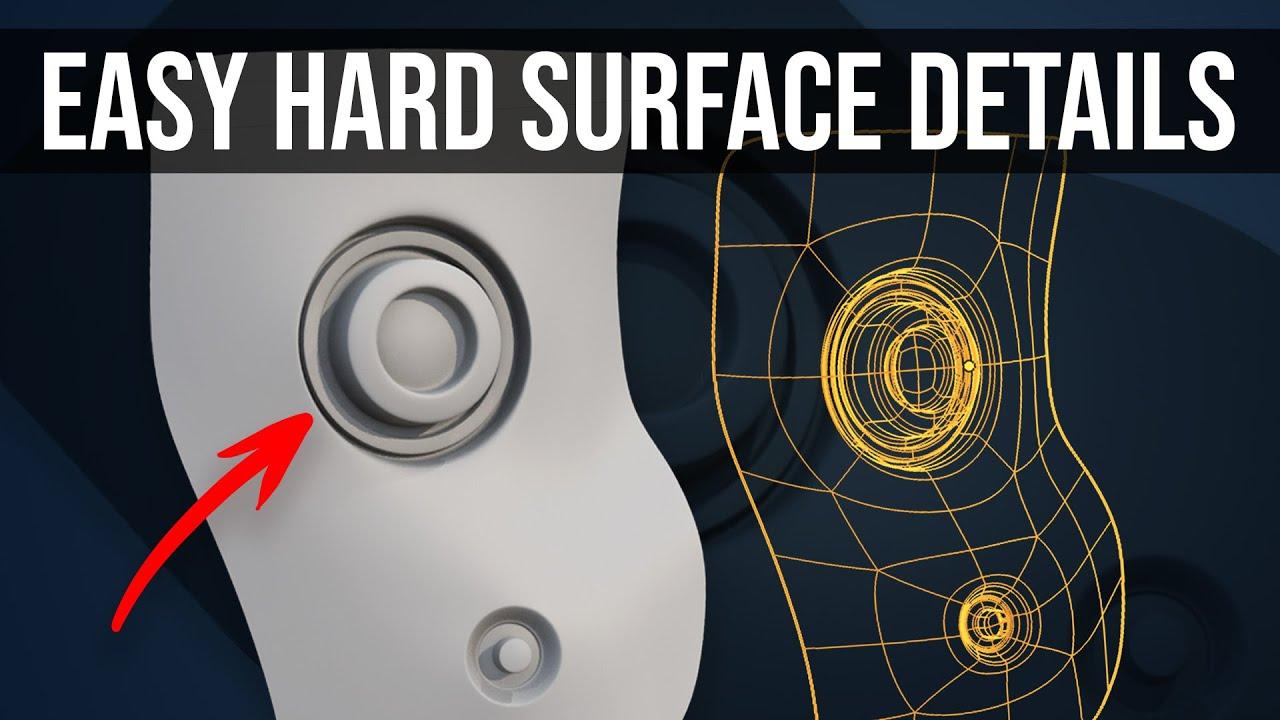
In this tutorial, you’ll learn how to create detailed hard surface models in Blender with Grant Abbitt. This video focuses on adding intricate “greeble” details to your models, enhancing their complexity and realism.
Key Steps Covered:
- Setting Up the Base: Start with a plane and insert a new face to begin the greeble.
- Extrusion and Beveling: Extrude the face and apply bevels to create the initial shape.
- Using Modifiers: Add a subdivision surface modifier to smooth the model.
- Creating Circular Shapes: Use the loop tools add-on to ensure circular shapes and avoid distortion.
- Adding Complexity: Insert and extrude additional faces to create more intricate details.
- Applying to Curved Surfaces: Demonstrates how to add greebles to a UV sphere, ensuring the details follow the curvature.
Tips and Tricks:
- Use the loop tools add-on for perfect circles.
- Flatten extruded faces for even beveling.
- Adjust edge loops for cleaner bevels and avoid pinching.
By following these steps, you’ll master the art of adding detailed greebles to your hard surface models, enhancing their visual impact.
(This summary was generated using AI)