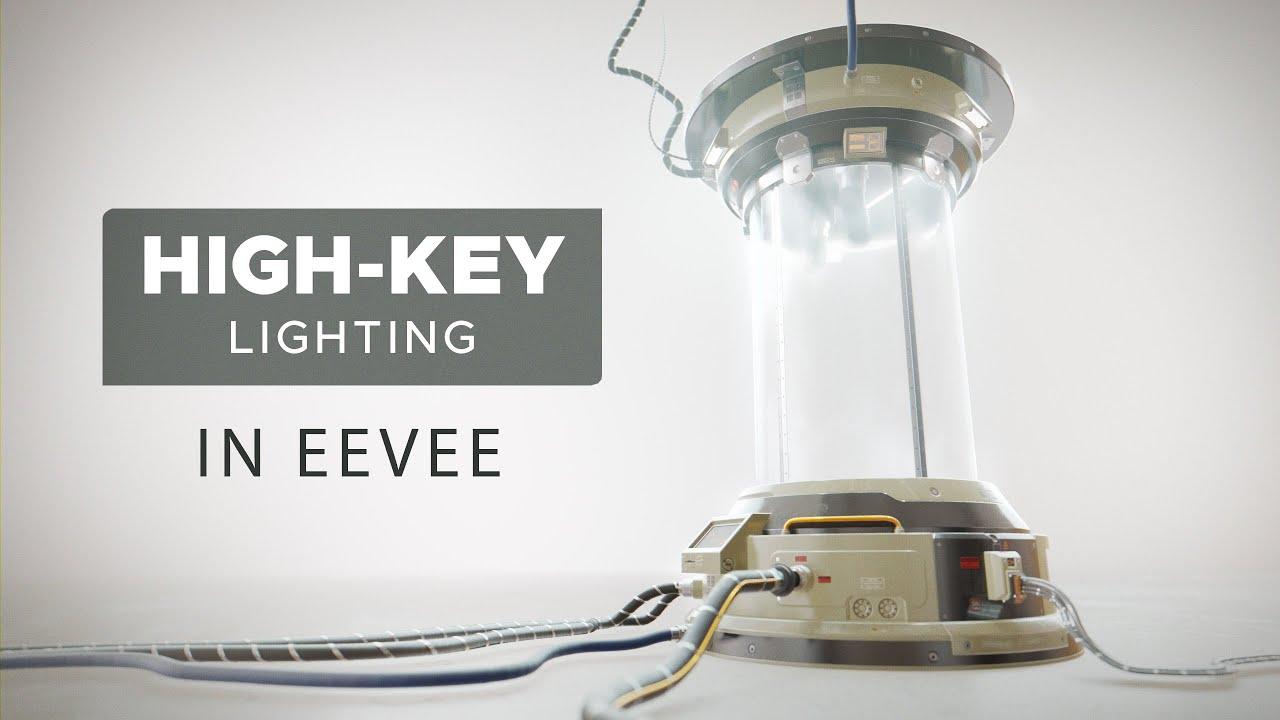
In this Blender tutorial we’ll have a look at how to light the product shots using the High-key Lighting style. Bright tones, soft shadows, low contrast and upbeat (!?) mood included.
—————————
Timeline:
00:00 – Start
00:45 – What is high-key lighting
01:45 – Practical lights, custom falloff
05:35 – Key-fill ratio (contrast ratio)
06:47 – HDRI, Polyhaven, post-pro in Krita
08:10 – HDRI lighting in Blender
10:48 – Light path node
13:18 – Key lights (area lights)
16:54 – Depth of field, ambient occlusion in Eevee
18:43 – Fog and haze, volume shader
20:52 – Steam and particle effect (extra)
23:16 – Light direction
24:37 – Overexposure, Filmic view transform
27:12 – Post-processing
29:43 – Conclusion
—————————