Free
How I Create Seamless Shader Blends in Blender with Geometry Proximity
video_description:
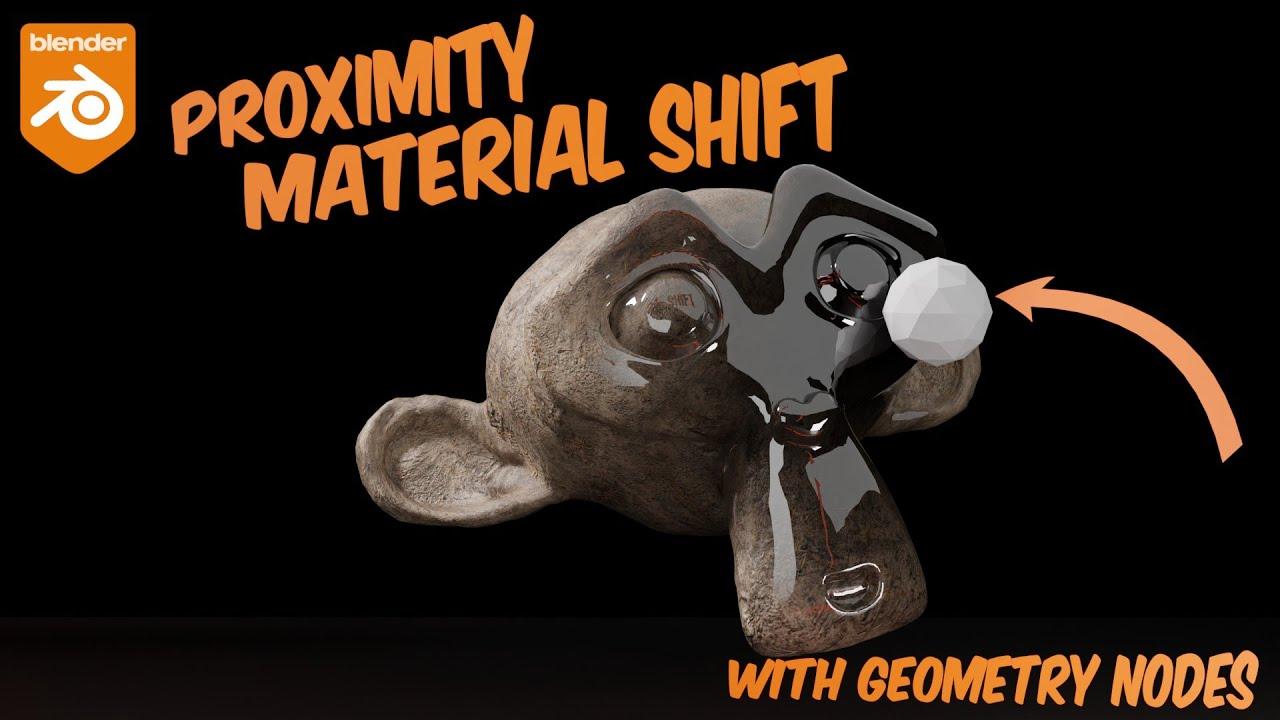
In this updated tutorial, Johnny Matthews demonstrates how to create seamless material blends in Blender 4.5.1 using geometry nodes and geometry proximity. Learn how to blend between PBR textures and chrome shaders interactively, with full control over transitions and displacement.
Key Steps:
- Setup: Use a Suzanne head with PBR textures, chrome shaders, and adaptive subdivision.
- Geometry Proximity: Control blending with an icosphere by calculating distances between surfaces.
- Named Attributes: Store and use proximity values to drive material transitions.
- Float Curves: Adjust the blend ramp for smoother or sharper transitions.
- Shader Mixing: Combine shaders and displacement using the same proximity-based factor.
A practical guide for dynamic material effects in your projects.
(This summary was generated using AI)
How I Create Seamless Shader Blends in Blender with Geometry Proximity
- Price type: Free
- Price: Free