video_description
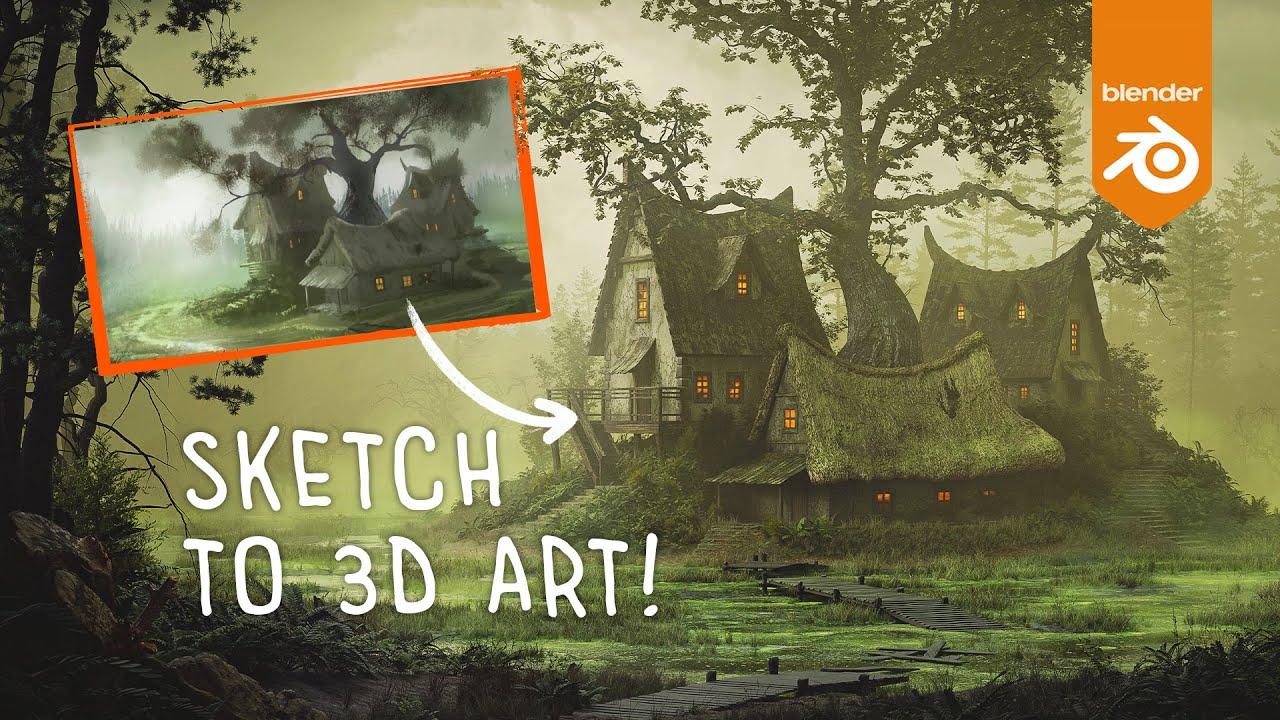
Discover how to transform a simple sketch into a highly detailed, atmospheric 3D artwork using Blender with CG Slav’s comprehensive tutorial. Slav, known as cgslav, guides you through the process of sculpting a swamp environment, creating intricate details, and optimizing complex scenes.
Key Steps:
- Environment Sculpting: Shape the swamp terrain, define water flow, and create a central island using Blender’s sculpting tools.
- Detailing: Focus on realistic textures and materials, combining dirt, cracks, and scuffs to mimic natural wear and tear.
- Lighting: Use Volume Light and HDRI maps to achieve the desired atmosphere, adding local effects like toxic fog for depth.
- Modeling: Create essential objects like houses and trees from scratch, utilizing add-ons like Any Tree for detailed modeling.
- Optimization: Apply the golden rule of air perspective to manage scene complexity and performance.
- Vegetation: Use add-ons like Secret Paint and GeoScatter to efficiently place and manage greenery.
Slav shares his workflow, including the use of BlenderKit, Envato Elements, and other recommended tools. For a deeper dive, access the full 9-hour tutorial and Blender file on his Patreon.
(This summary was generated using AI)