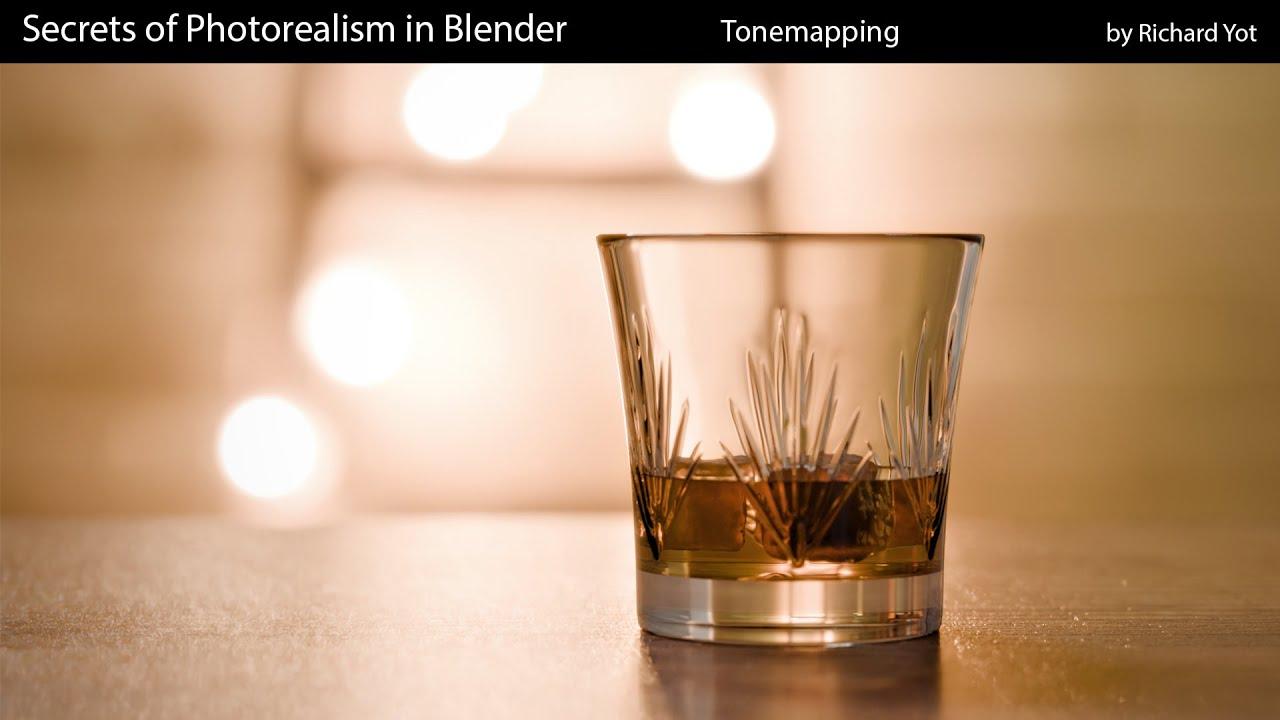
How To Apply Blender’s AgX and Filmic Tonemapping in Photoshop and Davinci Resolve
It seems there was an issue retrieving additional data. However, based on the provided information, here is the description for the video:
video_description:
Learn how to recreate Blender’s AgX and Filmic tonemapping in Photoshop and DaVinci Resolve using Blender’s OpenColorIO settings. Created by Richard Yot, this guide walks you through the process of matching Blender’s color management in other applications for consistent results.
Key Steps:
-
Photoshop:
-
Load Blender’s
config.ociofile into Photoshop’s OpenColorIO settings. -
Open EXR files with the correct linear Rec.709 settings.
-
Apply AgX or Filmic tonemapping and adjust looks using exposure and gamma controls.
-
Export to lower bit depths while preserving the tonemapped appearance.
-
DaVinci Resolve:
-
Use the OCIO Color Space node in Fusion to apply Blender’s color management.
-
Set the source space to Linear Rec.709 and the output to AgX or Filmic.
-
Access Blender’s looks directly in Fusion for fine-tuning.
A practical guide for seamless integration between Blender and your post-processing workflow.
(This summary was generated using AI)
How To Apply Blender’s AgX and Filmic Tonemapping in Photoshop and Davinci Resolve
- Price type: Free
- Price: Free