Video Description
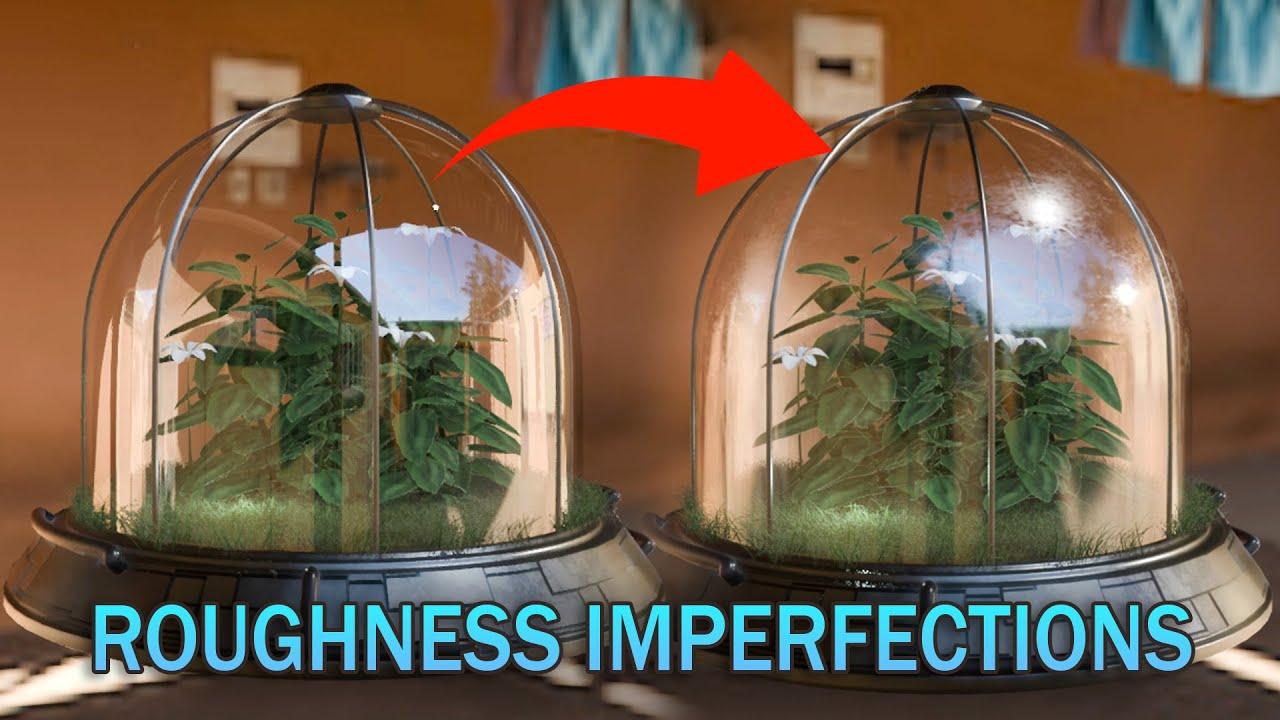
Learn how to create a realistic glass shader with roughness imperfections in Blender with ChuckCG. This tutorial covers both Eevee and Cycles render engines, helping you understand their differences and capabilities.
Key Steps:
-
Setting Up the Material:
-
Activate shadows and ray tracing.
-
Add a glossy shader and a transparent shader.
-
Combine shaders using a mix shader.
-
Adding Realism:
-
Adjust roughness and IOR settings.
-
Use a grunge texture for added realism (download textures from ChuckCG’s Patreon).
-
Fine-tune with a map range node.
-
Comparing Render Engines:
-
Explore differences between Eevee and Cycles.
-
Adjust settings for each engine to achieve the desired effect.
-
Final Touches:
-
Add a solidify modifier for thickness.
-
Ensure proper color space settings.
Enhance your Blender skills and achieve stunning glass effects by following along with this comprehensive guide.
(This summary was generated using AI)