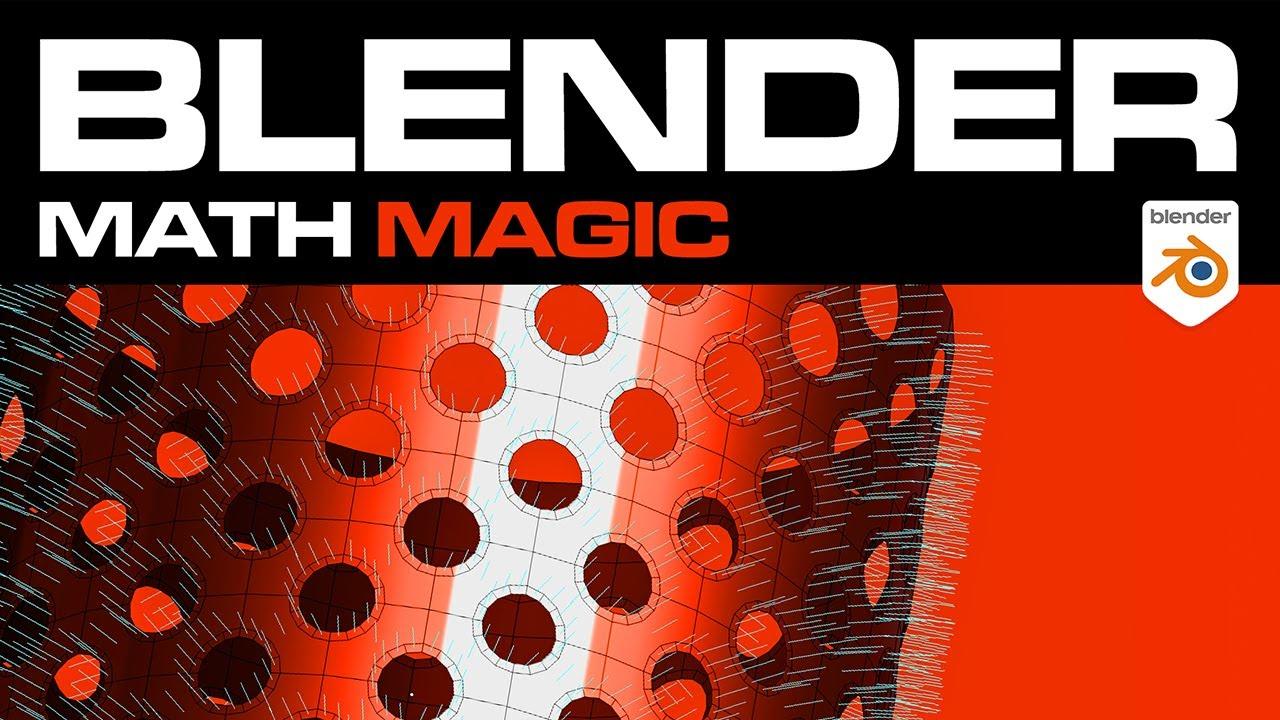
Video Description:
In this tutorial, you’ll learn how to achieve perfect shading without retopology, guided by Josh Gambrell from Blender Bros. This video introduces a powerful technique to enhance your Blender skills and improve your workflow.
Key Steps:
- Setup: Josh begins by creating a cylinder and adding loop cuts to demonstrate the issue of bad shading.
- Identifying the Problem: He shows how poor shading occurs due to the orientation of normals, explaining both the basic and technical reasons behind it.
- Solution: Instead of retopologizing, Josh transfers normal information from a clean cylinder to the problematic one, resulting in smooth shading.
- Technical Explanation: He dives into the normal orientation, showing the difference between bad and corrected shading.
- Application: Josh demonstrates how this technique can be used outside of Blender, ensuring the shading remains perfect even after exporting.
By the end of this video, you’ll understand how to fix shading issues efficiently, making your models look cleaner without the need for retopology.
(This summary was generated using AI)