Video description
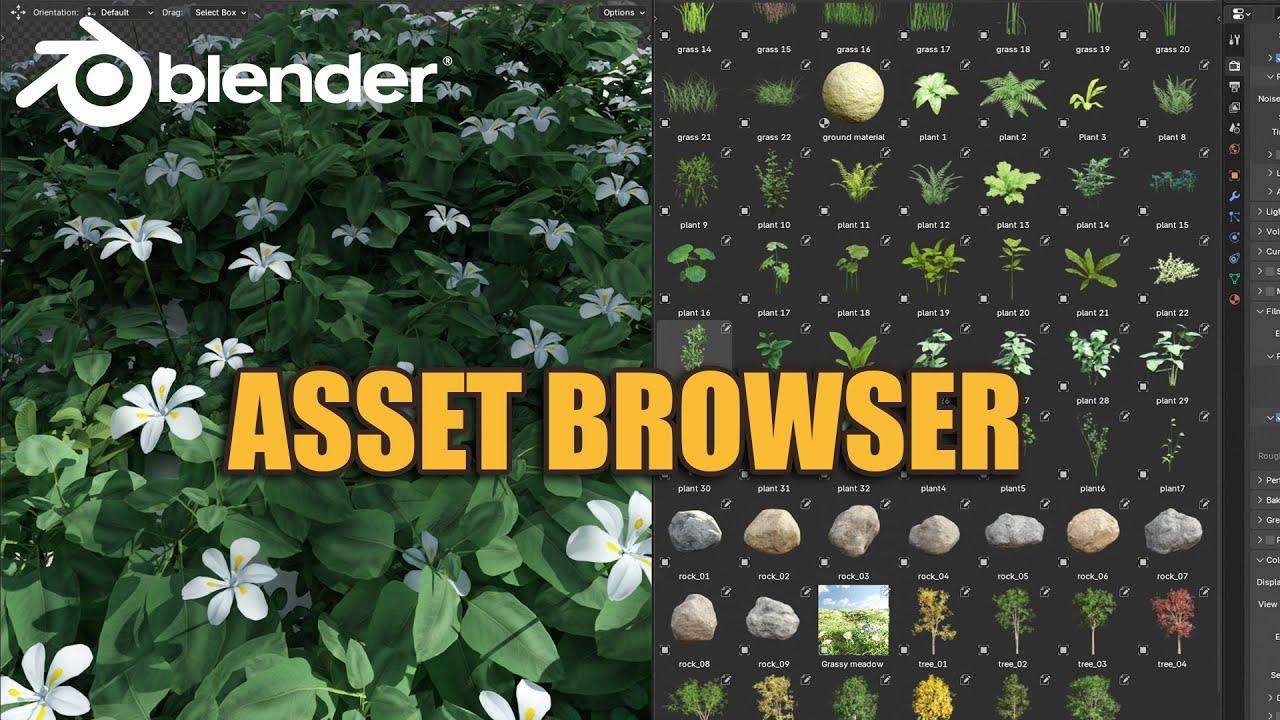
Discover how to efficiently manage assets using Blender’s Asset Browser with this practical guide by Blender Secrets. In this video, Jan van den Hemel walks you through the process of setting up and utilizing asset libraries to streamline your workflow.
Setting Up Your Asset Library
- Download the necessary files: the Blender file and the text file.
- Create a new folder to store these files.
- Open your Blender file and navigate to Preferences > File Paths.
- Add the folder you created as an asset library.
Using the Asset Browser
- Open the Asset Browser in Blender.
- Locate your asset pack within the browser.
- Drag and drop assets directly into your scene.
Modifying Assets
- In the preferences, ensure you use the ‘Append’ option.
- This creates a copy of the asset, allowing you to modify it as needed.
By following these steps, you’ll enhance your asset management skills and make your workflow more efficient.
(This summary was generated using AI)