video_description
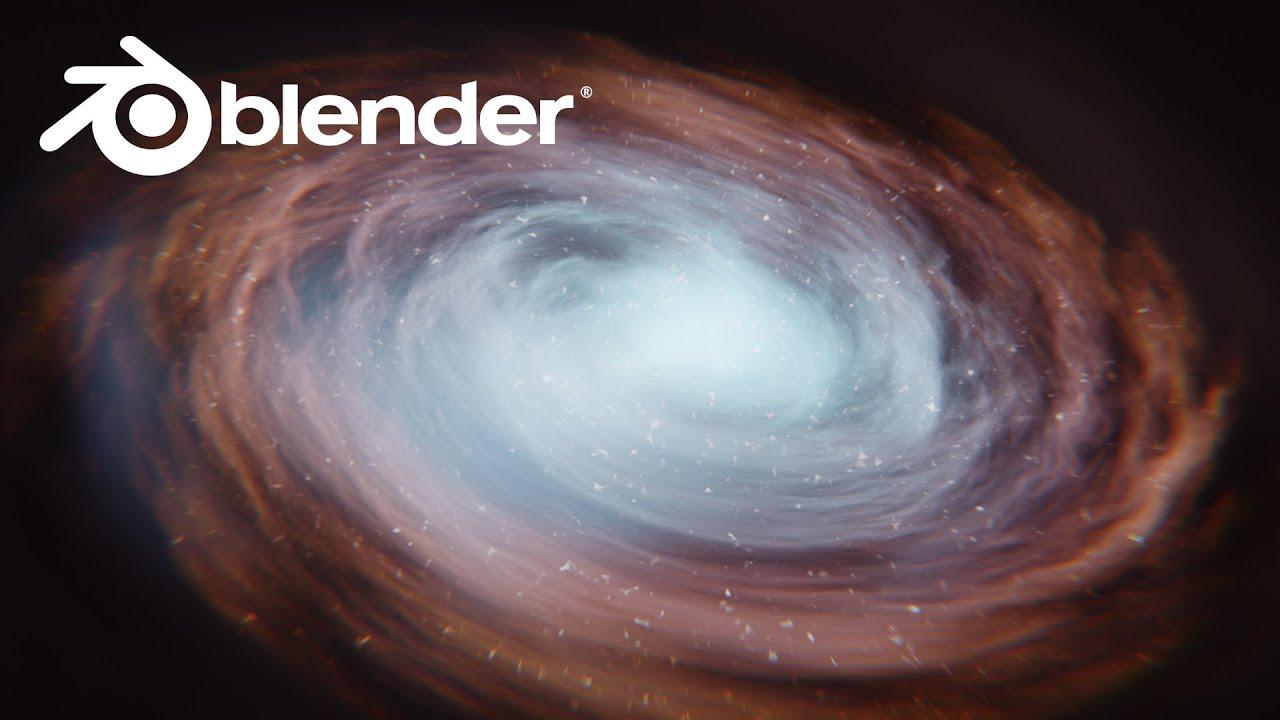
Learn how to create a volumetric galaxy in Blender with this easy, node-based tutorial by PIXXO 3D. Using simple techniques, you’ll explore volumetrics, noise textures, and compositing to craft a unique galaxy effect.
Key Steps:
- Setup: Start with a scaled cube and switch to Cycles for rendering.
- Nodes: Use gradient textures, noise, and math nodes to shape the galaxy’s swirls and structure.
- Color & Detail: Add vibrant colors with color ramps and refine the galaxy’s core for a bright center.
- Compositing: Enhance the final render with glare, lens distortion, and color balance for a polished look.
The process is flexible—tweak the noise and settings to create endless variations. Enjoy crafting your own galaxy!
(This summary was generated using AI)