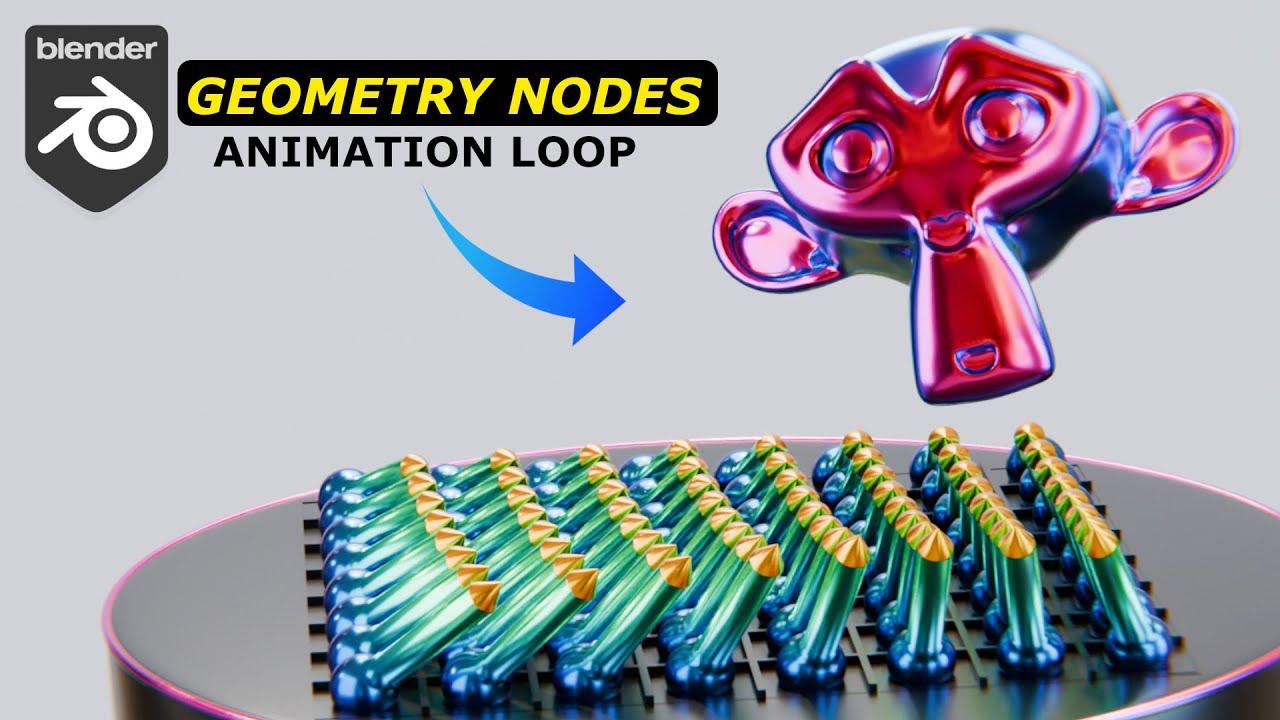
In this tutorial from Blender Secrets, Jan van den Hemel guides you through creating a captivating geometry nodes animation in Blender. You’ll learn how to set up a simple yet effective geometry nodes system, design materials, and animate a scene with dynamic lighting.
Key Steps:
-
Scene Setup:
-
Create and subdivide a plane.
-
Add and shape UV spheres into prongs.
-
Duplicate and arrange prongs in a grid.
-
Geometry Nodes:
-
Create a geometry nodes system to make prongs point at a moving Suzanne monkey head.
-
Use vector math and align rotation to vector for dynamic tracking.
-
Materials and Lighting:
-
Design gradient materials for prongs.
-
Set up metallic and iridescent materials for the monkey head.
-
Add area lights for enhanced scene illumination.
-
Animation:
-
Animate the monkey head’s movement.
-
Render the final scene using Cycles with optimized settings.
This tutorial is perfect for those looking to dive into geometry nodes and animation in Blender.
(This summary was generated using AI)