Video Description
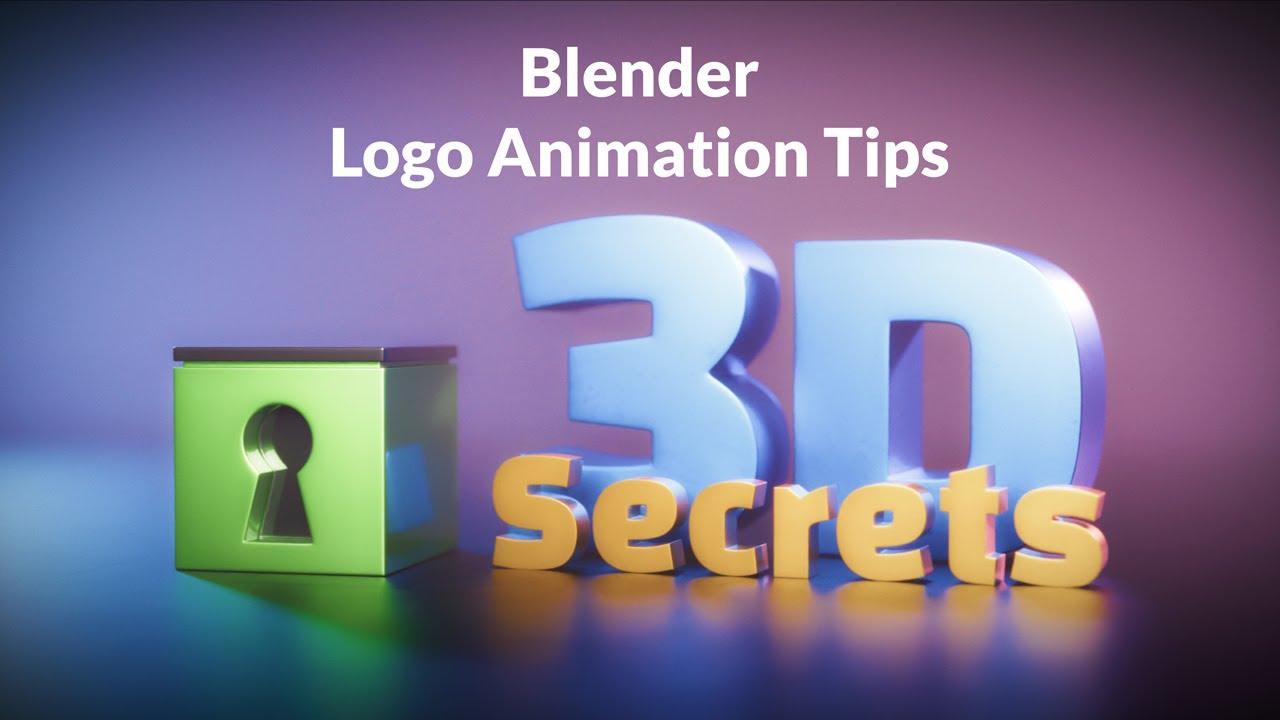
In this video, you’ll learn how Jan van den Hemel from Blender Secrets created a logo animation for his rebranding to “3D Secrets.” This process video, though not a full tutorial, offers a unique glimpse into his workflow and shares some useful tips along the way.
Key Steps Outlined:
-
Modeling the Logo:
-
Recreating the logo in 3D.
-
Using boolean operations and clean topology for better results.
-
Animation Experiments:
-
Exploring simple deform modifiers.
-
Implementing rigid body simulations for dynamic effects.
-
Text and Materials:
-
Customizing text with fresh fonts.
-
Applying materials from the Sanctus material library.
-
Lighting and Rendering:
-
Setting up area lights with the Gaffer add-on.
-
Rendering with Cycles and enhancing with DaVinci Resolve.
-
Sound Effects:
-
Adding sound effects using Soundly for better timing and pacing.
This video provides a behind-the-scenes look at the creative process, offering insights into modeling, animation, and rendering techniques that can enhance your Blender projects.
(This summary was generated using AI)