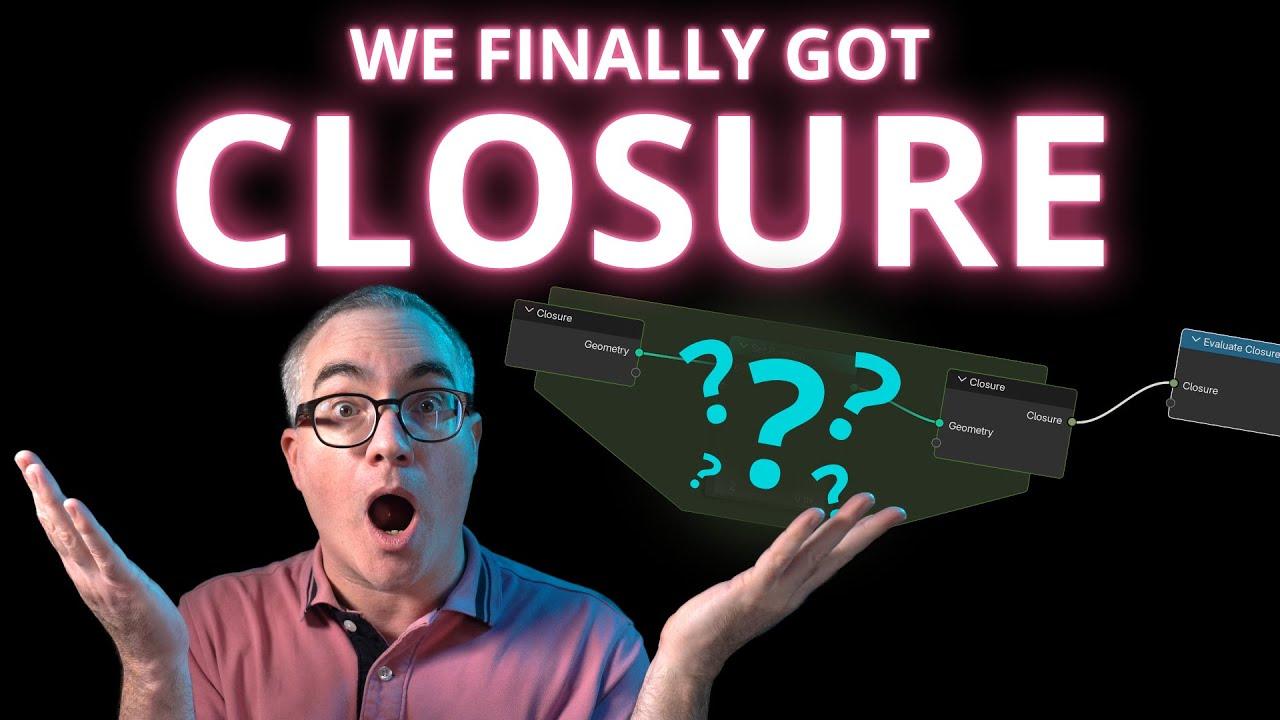
In this video, Chris P from the Blender Secrets channel introduces you to a powerful new feature coming to Blender 5: Closures in Geometry Nodes. This feature allows you to create reusable, pluggable functions within your node trees, enhancing modularity and flexibility.
Introduction to Closures
- Understanding Closures: Learn what closures are and how they function as reusable components in geometry nodes.
- Setting Up: Chris P walks you through enabling developer extras in Blender 5 to access closure nodes.
Creating and Using Closures
- Defining Closures: See how to define a closure using the closure node, specifying inputs and outputs.
- Executing Closures: Learn to execute closures with the evaluate closure node, allowing dynamic function execution within your node tree.
Practical Examples
- Deform and Smooth Functions: Chris P demonstrates creating deform and smooth functions as closures.
- Complex Node Trees: Discover how to integrate closures into complex node setups, making them more adaptable and user-friendly.
Advanced Usage
- Combining Closures: Explore how to combine multiple closures for more intricate workflows.
- Simulation Zones: Understand the potential of closures in simulation zones, paving the way for particle nodes and more.
Conclusion
- Future Potential: Chris P discusses the broader implications of closures and their role in future Blender developments.
- Call to Action: Support the channel by liking, commenting, and subscribing for more insightful Blender tutorials.
Dive into this tutorial to master closures and elevate your Blender skills.
(This summary was generated using AI)