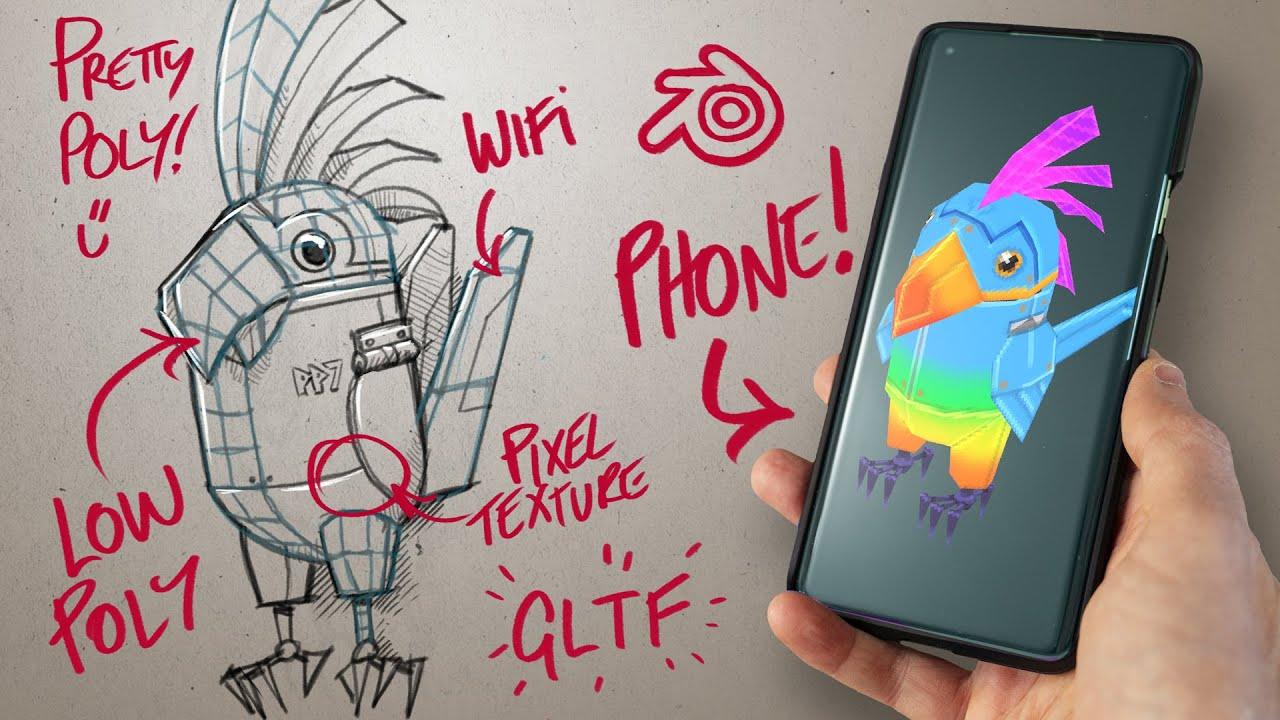
In this video, Louis du Mont from CG Boost shows how to create a low poly parrot robot, painting and optimizing pixel textures, adding a simple rig, and exporting for real-time use, all inside of Blender.
Main Steps:
-
Modeling the Parrot:
-
Start with primitives and use modifiers like the mirror modifier.
-
Utilize the loop tool to create circular shapes.
-
Focus on creating half of the character for efficient UV mapping.
-
UV Mapping and Texturing:
-
Create UV maps with generous margins for low-res textures.
-
Use constant falloff brushes to paint base colors and details.
-
Add shading and highlights using an overlay texture method.
-
Rigging and Animation:
-
Add bones and set up a simple rig with weight painting.
-
Create start and end poses for a basic animation.
-
Use bounce motion interpolation for a dynamic effect.
-
Exporting the Model:
-
Prepare the model for real-time applications.
-
Export in GLTF format for use in viewers or platforms like Sketchfab.
Resources and Links:
- Robotic Planet Course
- Project Files
- Blender for Beginners
- Blender Secrets E-book (affiliate)
- Newsletter
- GLTF Viewer
- Sketchfab
Follow CG Boost:
Video Transcription:
The transcription details the step-by-step process of creating the low poly parrot robot, including modeling techniques, texturing, rigging, and exporting.
(This summary was generated using AI)
Pixel Poly – Create a LOW POLY parrot bot in Blender #b3d #lowpoly #gamedev
- Price type: Free
- Price: Free