
It creates grouping-like workflow using regular instances.
Ctrl+G – make Instance (group) from selected objects
F9 (adjust last operation) to set center of the group and set a name
Tab – Opens group edit mode
Deselect everything and press Tab – Return to scene.
Ctrl+Alt+G – ungroup
Ctrl+Shift+G – advanced options like make single user, and change instance.
This add-on uses regular Blender instances, so you can work with “groups” made by this add-on, even if you haven’t this add-on.
Version 0.2:
– Ungrouping (Ctrl+Alt+G)
– Group menu (Ctrl+Shift+G)
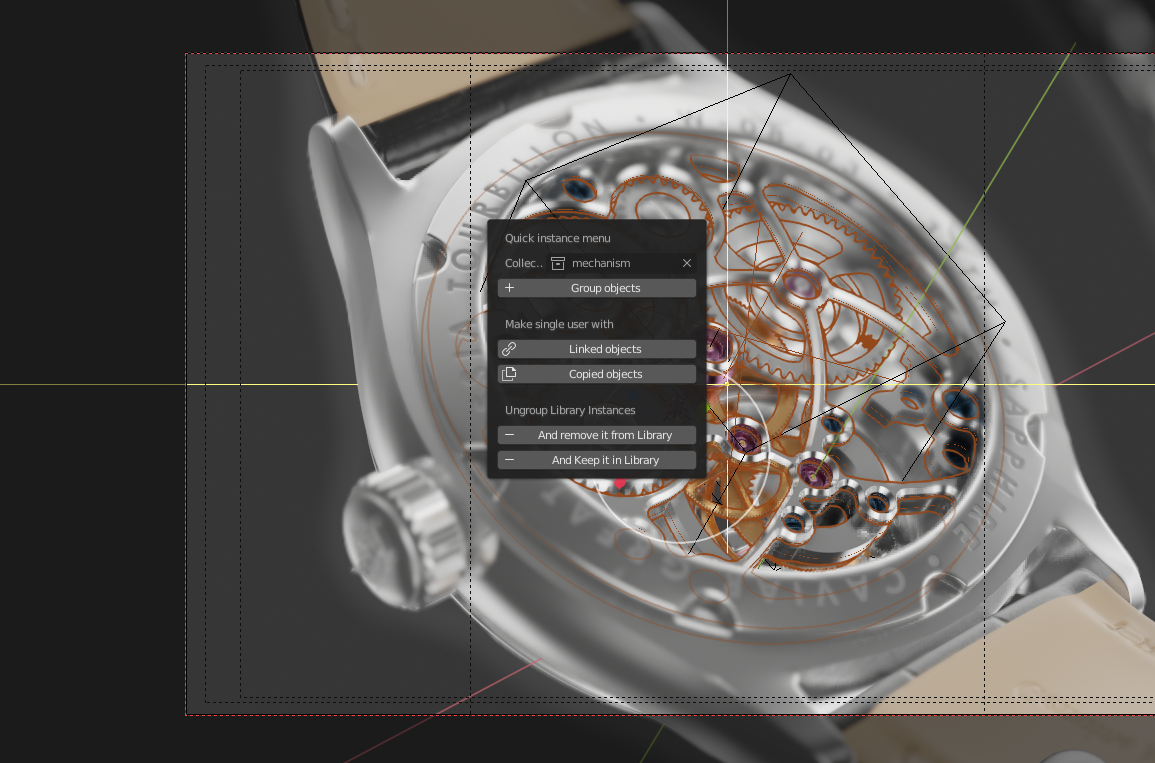
– Make single user
– Make existing instances editable in Library
Version 0.3:
– Edit keymap in add-on preferences
– Add / remove from instance
Check also my other products:
Folds Modifier

Voxel tools and Tile map
Synchronize Workspaces
Building Generator
Quick Groups
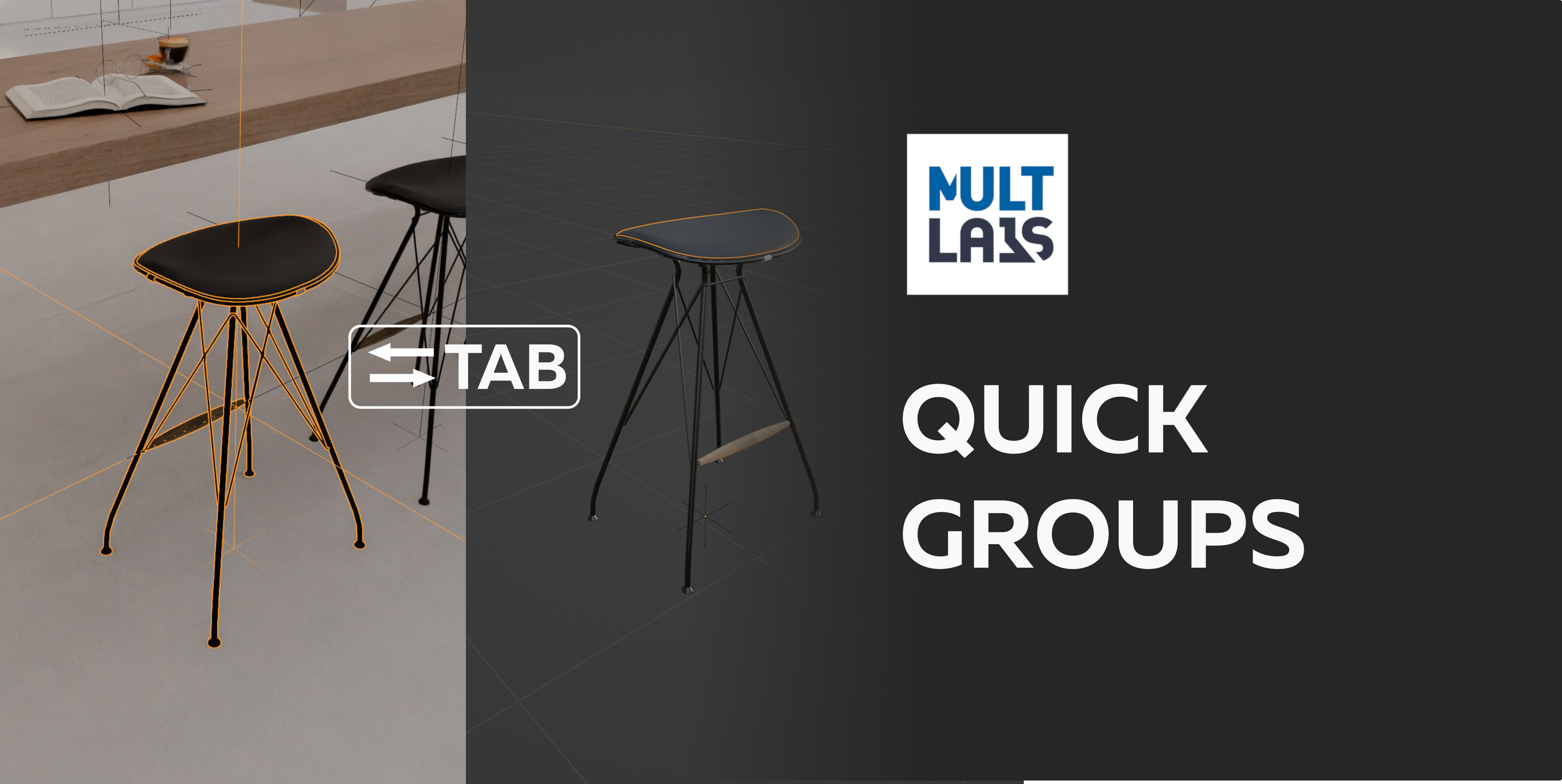
Quick Groups (Instances) – Group Objects Using Ctrl+G
Blender Bazaar may earn a % of the revenue of this product
- Price type: Paid
- Price: 3