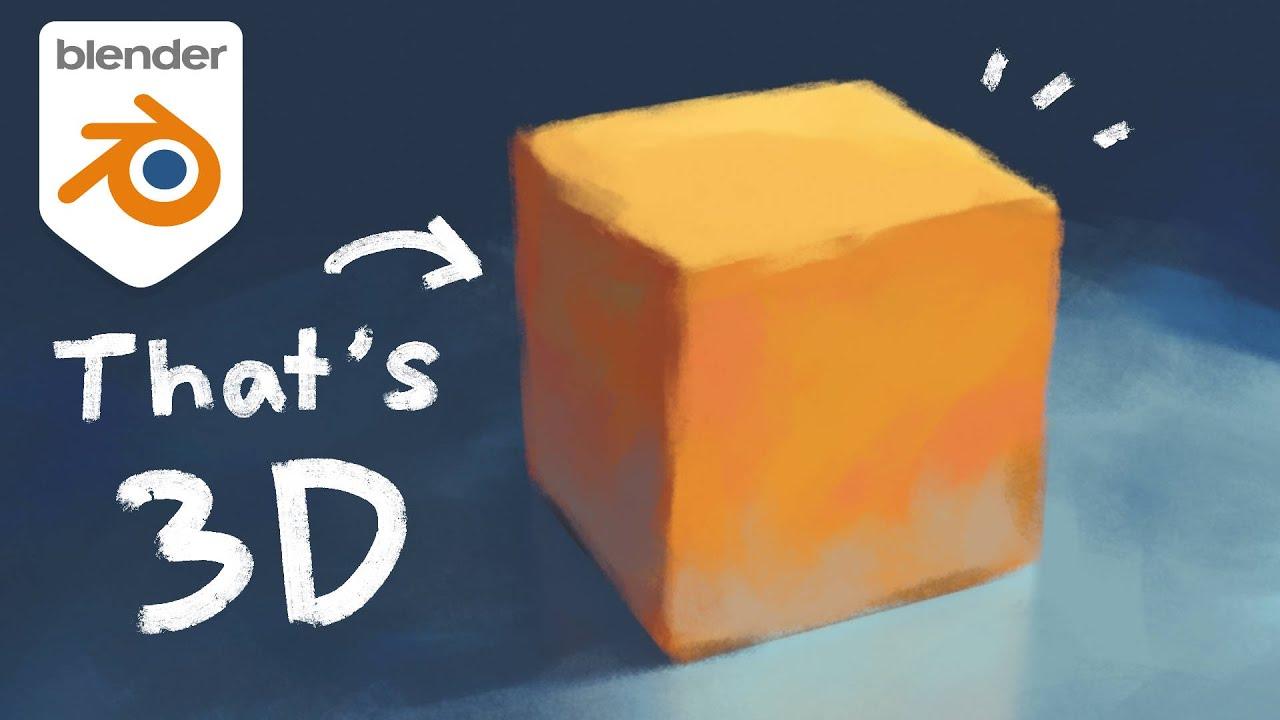
Video Description
Discover how to transform Blender into a powerful painting tool with the new Paint System add-on, created by Tawan Sunflower. This tutorial guides you through simplifying 3D object painting, making it more intuitive and accessible.
Key Features of Paint System:
- Direct painting on 3D objects
- Layer clipping and blend modes
- Animatable opacity
Steps to Get Started:
- Download and Install:
- Get the Paint System add-on from the provided Gumroad link.
- Install it via Blender’s preferences.
- Setup in Blender:
- Open the side panel to access Paint System.
- Add a group, then add a layer (e.g., image layer).
- Toggle paint mode to start painting.
- Custom Brushes and Layers:
- Add preset brushes for various effects.
- Use erase alpha to remove parts of objects.
- Advanced Usage:
- Create multiple node groups for different tasks.
- Paint over shadows and tune shaders with ease.
Explore the flexibility of Paint System and enhance your 3D art projects. Download the add-on, experiment, and create something amazing.
(This summary was generated using AI)
Turning Blender into Photoshop | Paint System addon Tutorial
- Price type: Free
- Price: Free