It seems there was an issue retrieving the correct channel and author names from the spreadsheet. However, based on the video details you provided, I will proceed with the description using the author name “Damien Rohrbach” and the channel name “ROHRBACH ® the Jewelry Jedi 3D Jewelry”.
video_description
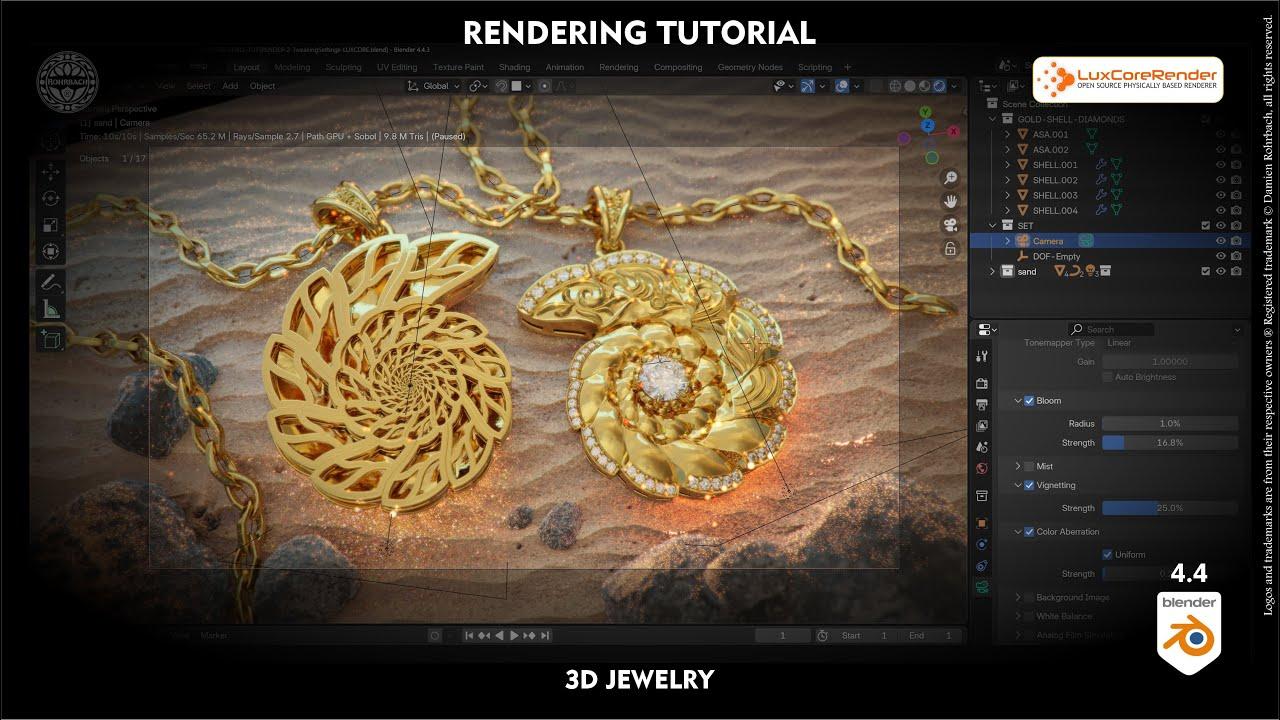
Learn 3D jewelry rendering in Blender 4.4 using LuxCore 2.1 with Damien Rohrbach. This tutorial covers setting up a professional rendering scene, focusing on gold and diamond shaders, light tracing, and caustics.
Key Steps:
- Installation: Add LuxCore 2.1 to Blender and configure GPU rendering.
- Materials: Create realistic gold and diamond shaders using LuxCore’s material settings.
- Lighting: Use HDR environments and area lights to enhance reflections and caustics.
- Rendering: Enable light tracing, adjust glossiness thresholds, and optimize render settings for high-quality results.
The tutorial also includes tips for post-processing effects like depth of field and bloom.
This keeps the description concise, factual, and structured while addressing the viewer directly.
(This summary was generated using AI)
Tutorial Luxcore 2.1 3D Jewelry Rendering in BLENDER 4.4
- Price type: Free
- Price: Free