Video Description
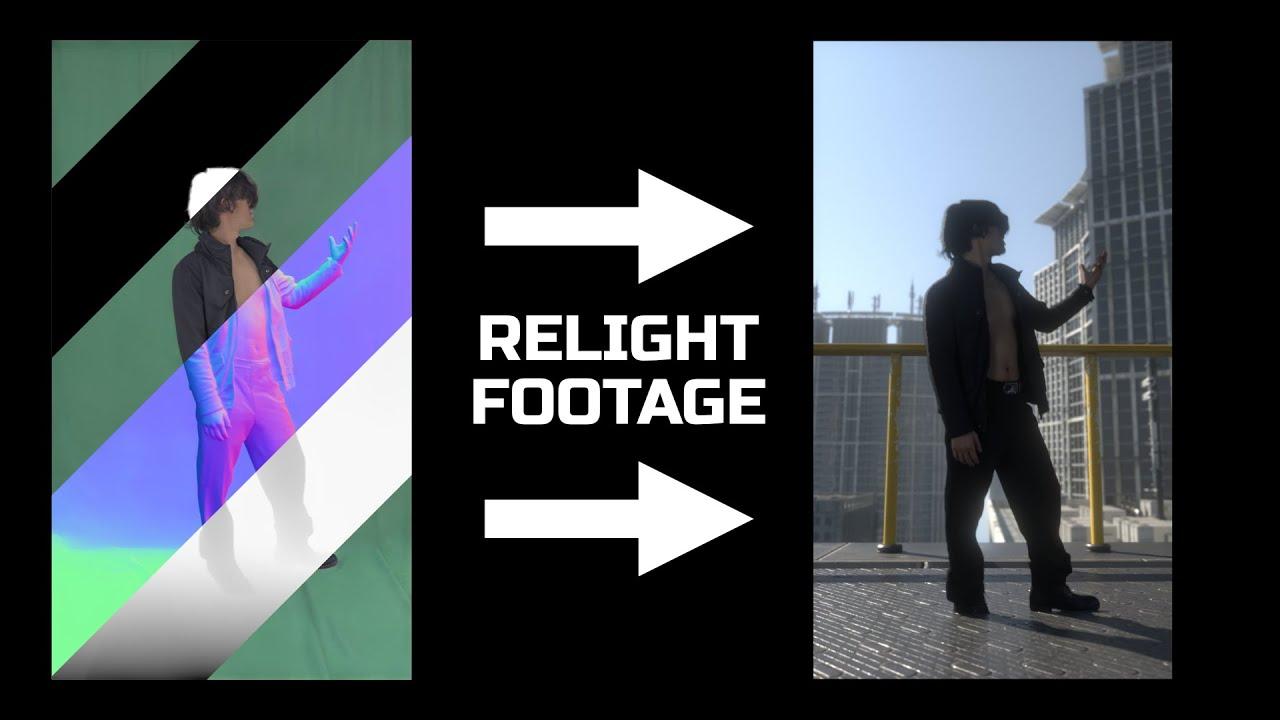
Discover how to relight footage using Switchlight 2.0 and Blender with Scenefiller. This tutorial introduces Switchlight 2.0, a powerful tool for converting video to PBR models, and guides you through the process of integrating these models into Blender for enhanced relighting effects.
Key Steps:
- Upload and Process: Start by uploading your footage to Switchlight 2.0 for processing.
- Import to Blender: Download the processed image sequences and import them into Blender using the provided add-on.
- Adjust Settings: Enable depth usage and add subdivisions for better detail. Blend between PBR and original materials for a seamless look.
- Edge Spill Correction: Use a color ramp to adjust alpha texture and correct edge spill.
- Relighting: Relight the character digitally to integrate them into your scene.
Switchlight 2.0, currently free, offers improved PBR textures and plans for future local running options. Explore this tool and enhance your relighting skills with this concise and practical guide.
(This summary was generated using AI)