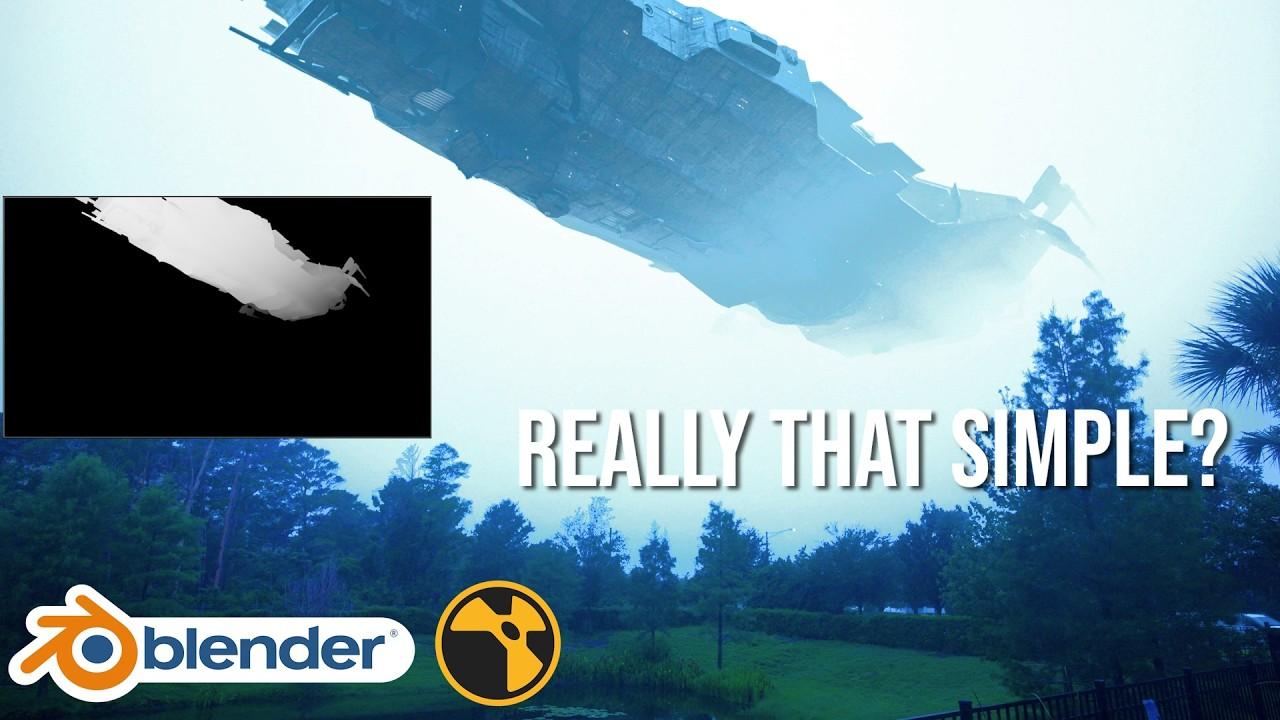
In this tutorial, you’ll learn the basics of multi-pass rendering and compositing in Blender with Jacob Zirkle. This easy-to-follow guide will help you integrate a CGI object into live footage using Nuke for compositing.
Key Steps:
-
Setup in Blender:
-
Import and position the CGI ship.
-
Set up lighting using an HDRI environment texture.
-
Enable and configure the mist pass for depth effects.
-
Compositing in Nuke:
-
Import and merge live footage with CGI.
-
Match black levels and apply fog using the mist pass.
-
Remove lens artifacts and add grain for a seamless integration.
By the end, you’ll have a solid understanding of how to create realistic VFX shots by combining CGI with live-action footage.
(This summary was generated using AI)